Renewing a Fixed Deposit (FD) in MProfit is straightforward. When your FD matures, you can reinvest the proceeds into a new FD and accurately track this process in your portfolio.
Let’s walk through the steps to manage an FD renewal from start to finish.
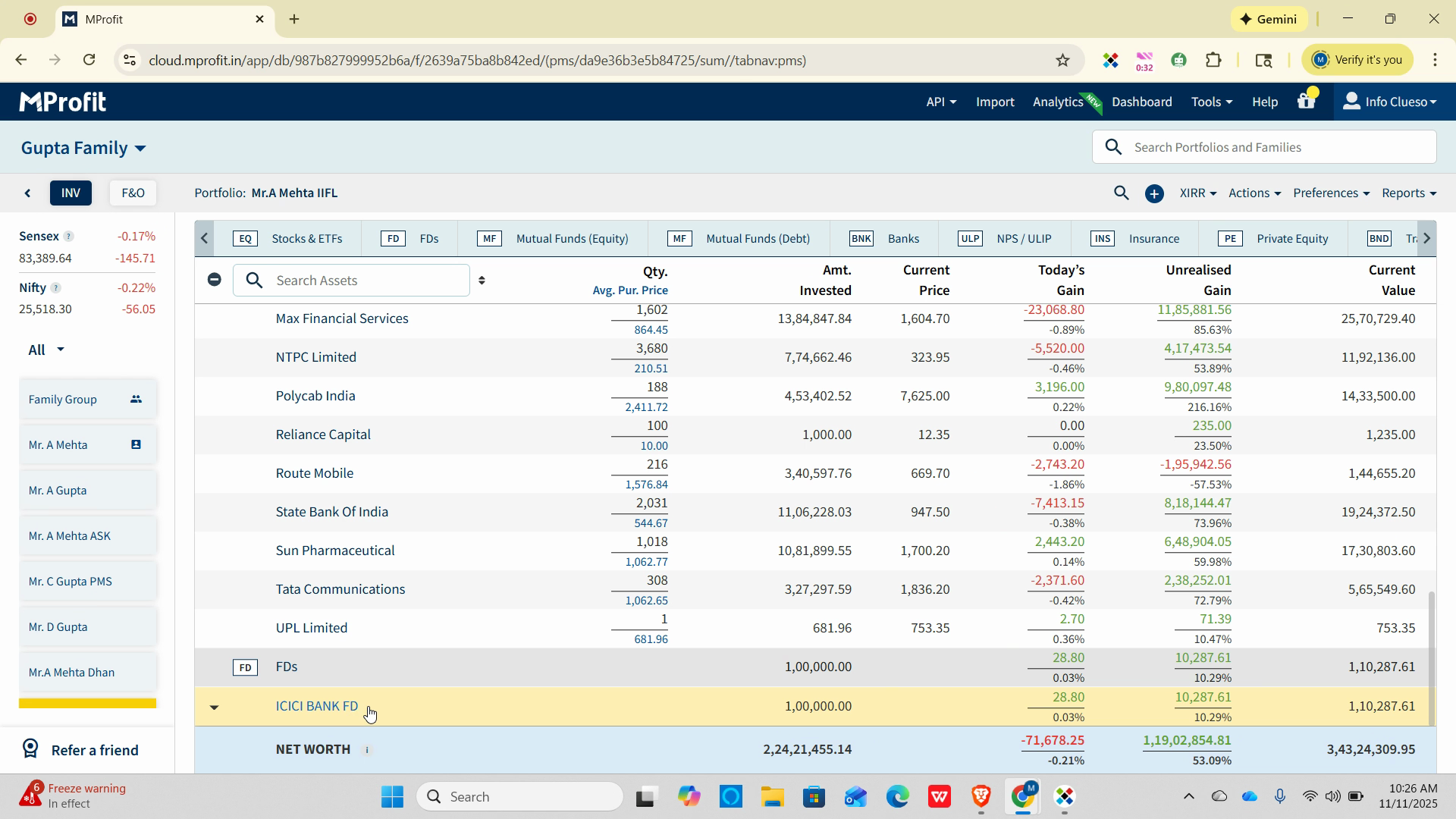
Step 1: Select the matured FD from your list of assets.
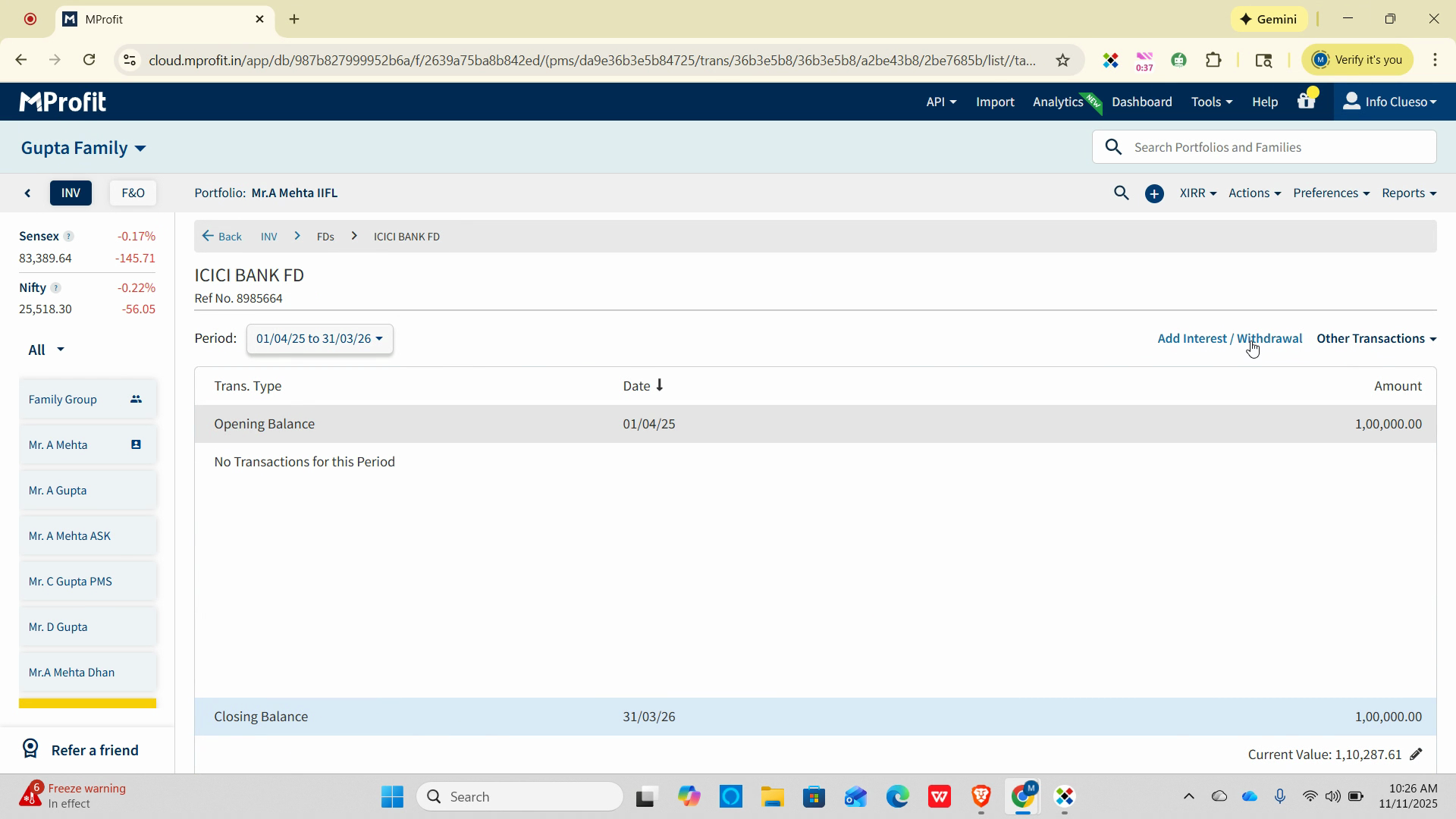
Step 2: Click Add Interest or Withdrawal to begin recording the maturity transaction.
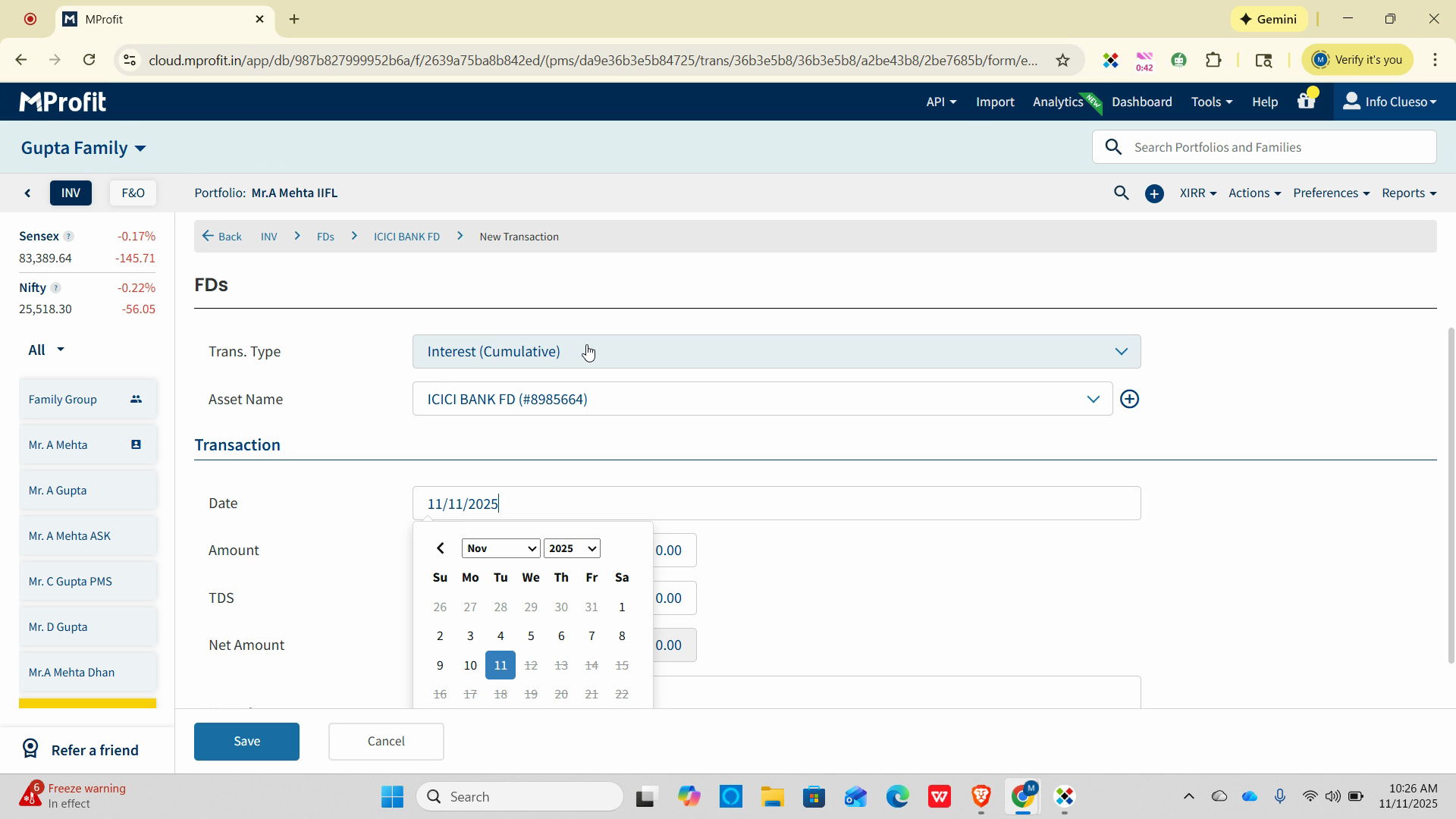
Step 3: In the transaction type dropdown, pick Withdrawal to close out the existing FD.
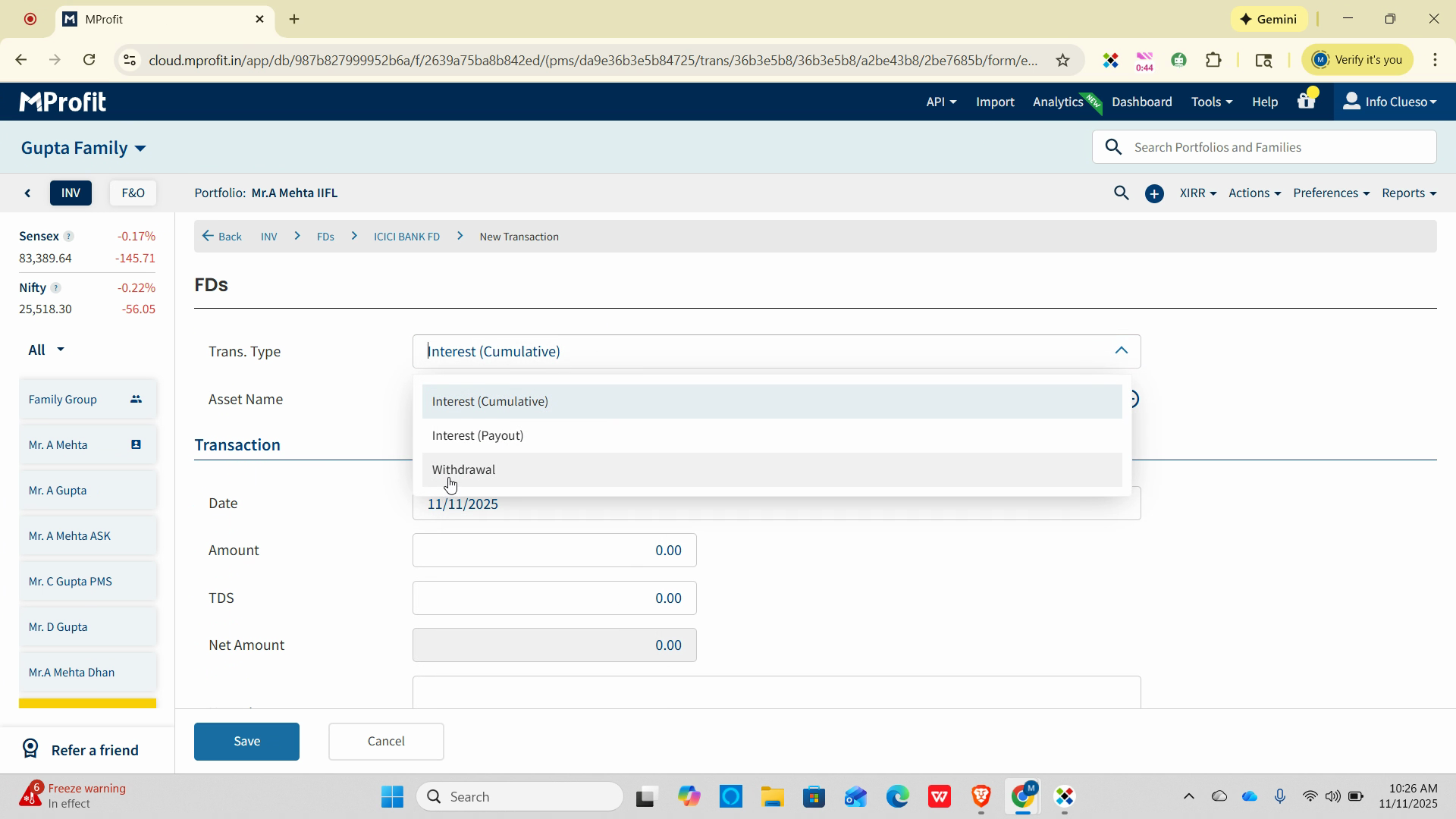
Step 4: Enter the date the FD matured and funds were withdrawn.
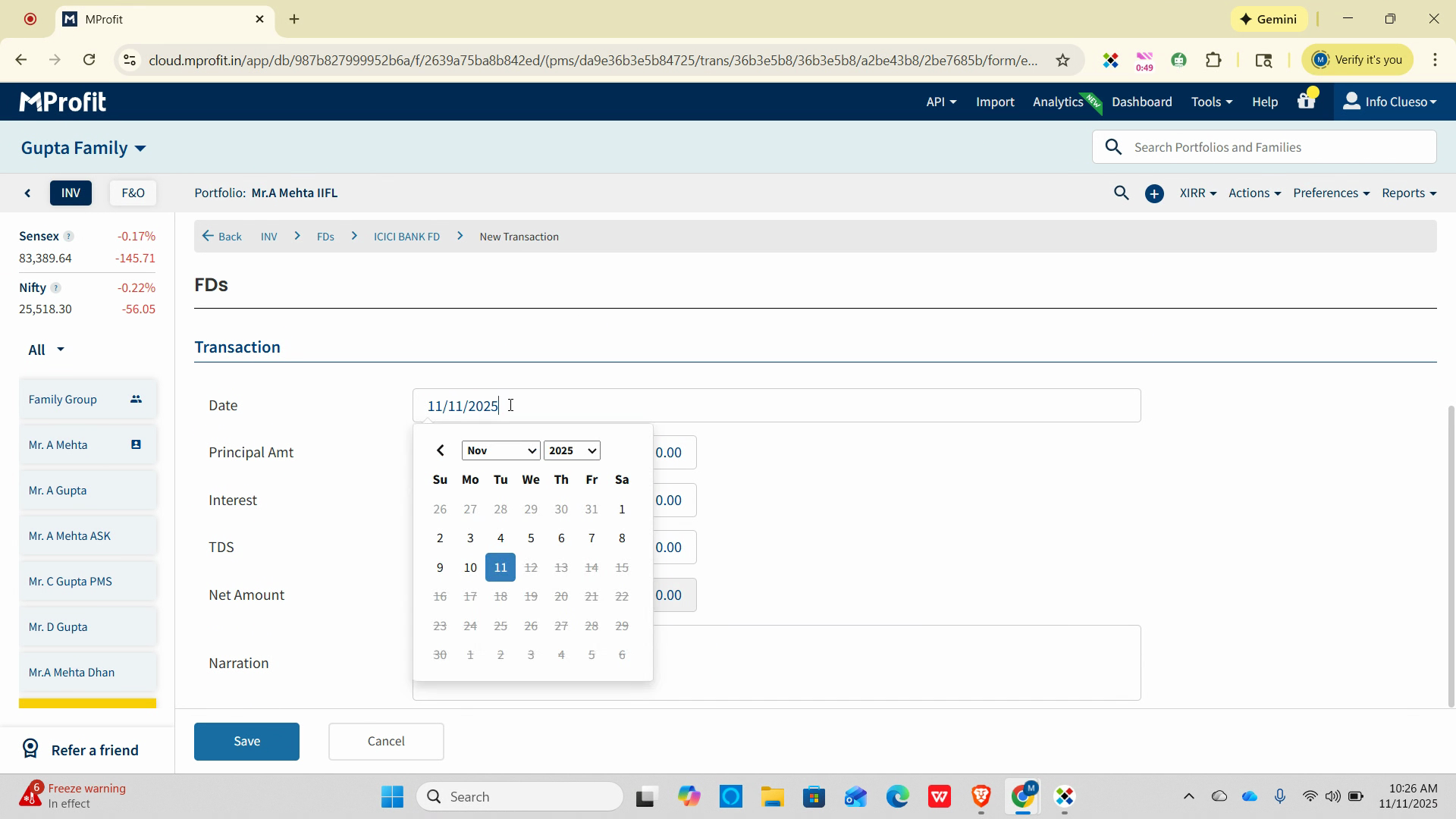
For example, use November 3rd if that’s when the maturity occurred.
Step 5: Fill in the principal amount returned, interest received on the FD, and any TDS (tax deducted). The system will automatically calculate the net amount. Optionally, add a narration to describe the action.
Step 6: Click Save to finalize the withdrawal entry.
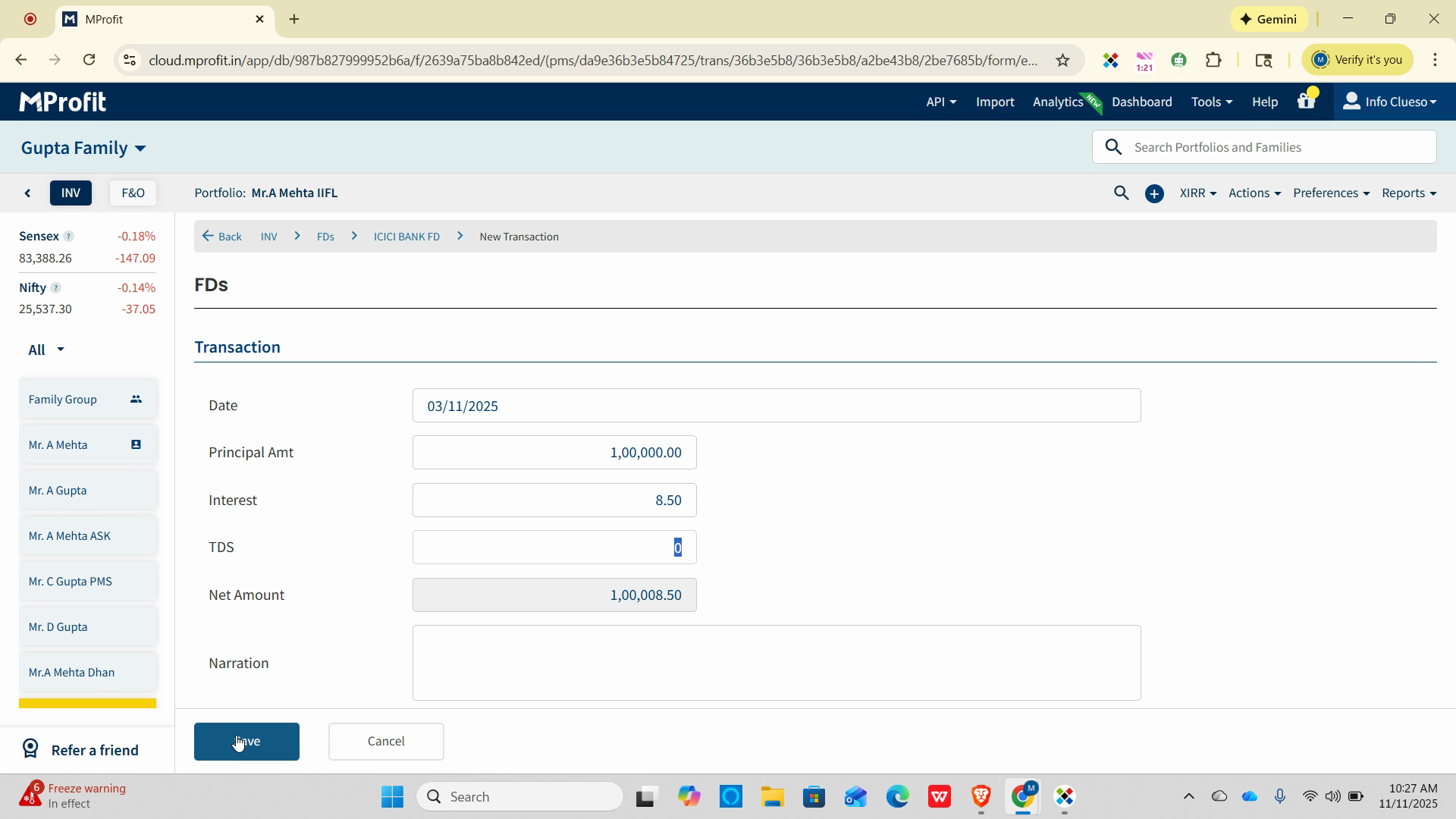
Step 7: Return to your asset list.
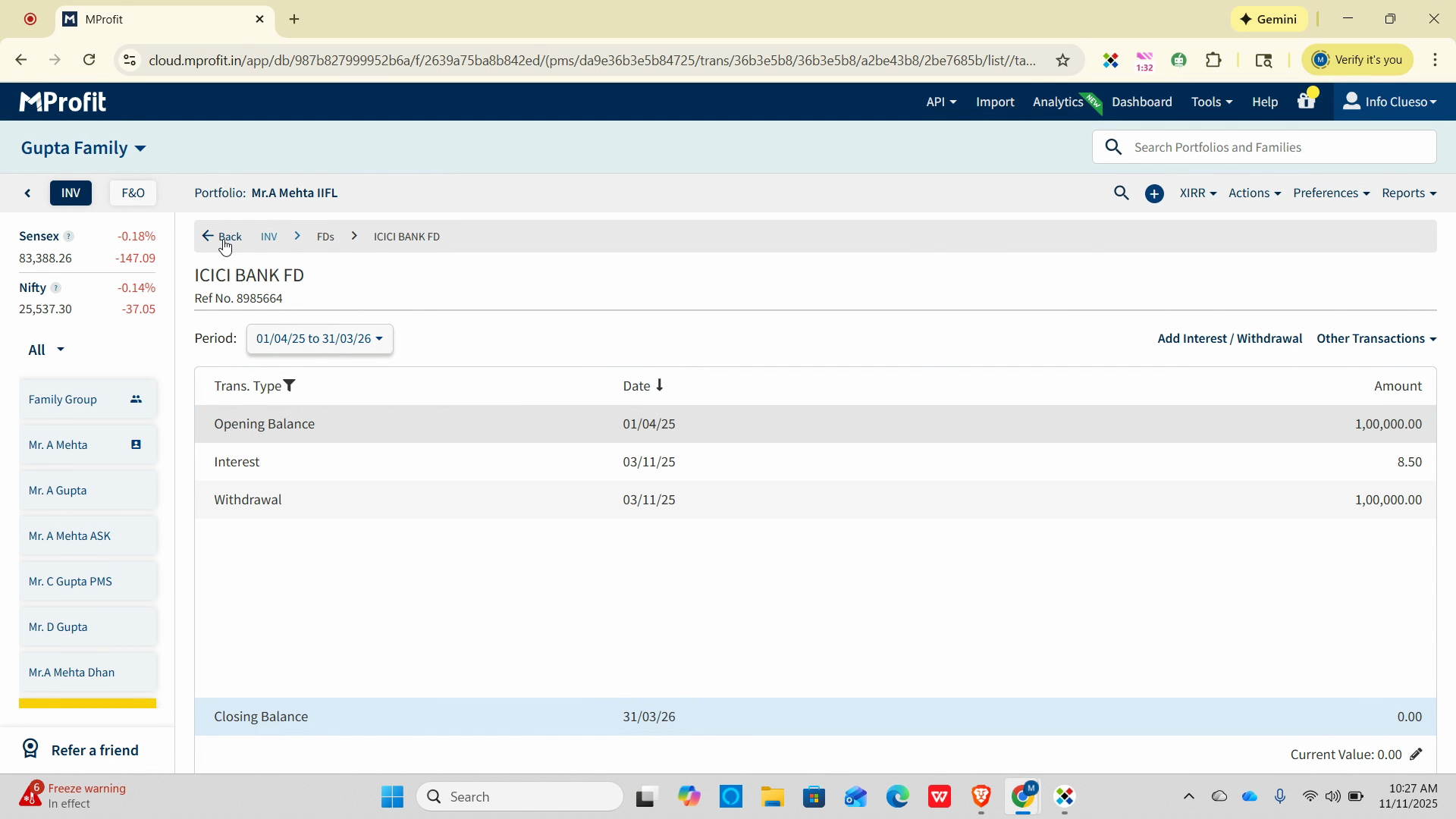
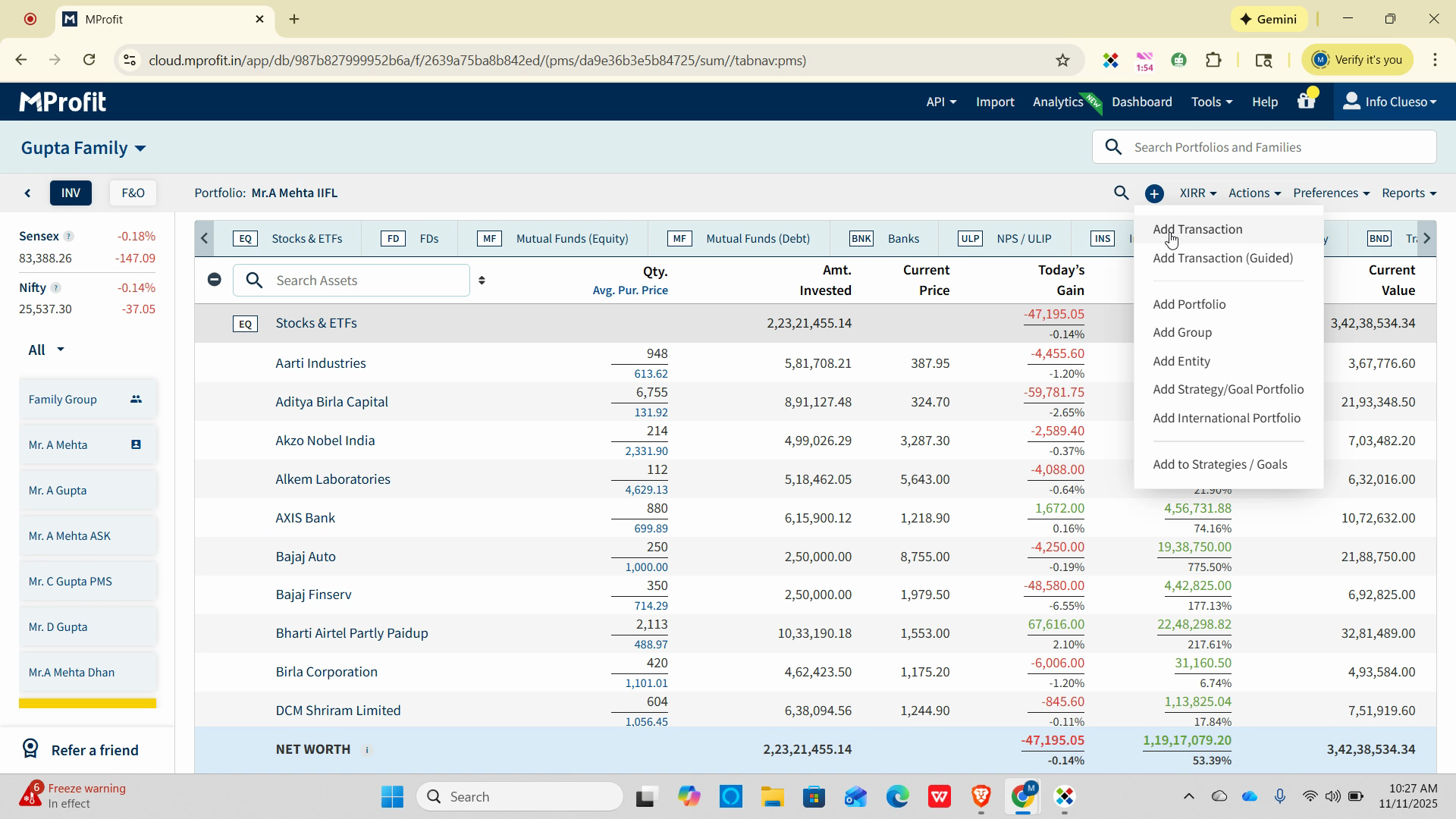
Step 1: Click the plus (+) icon in your portfolio to add the renewal investment.
Step 2: Select Add Transaction to begin entering details for the new FD.
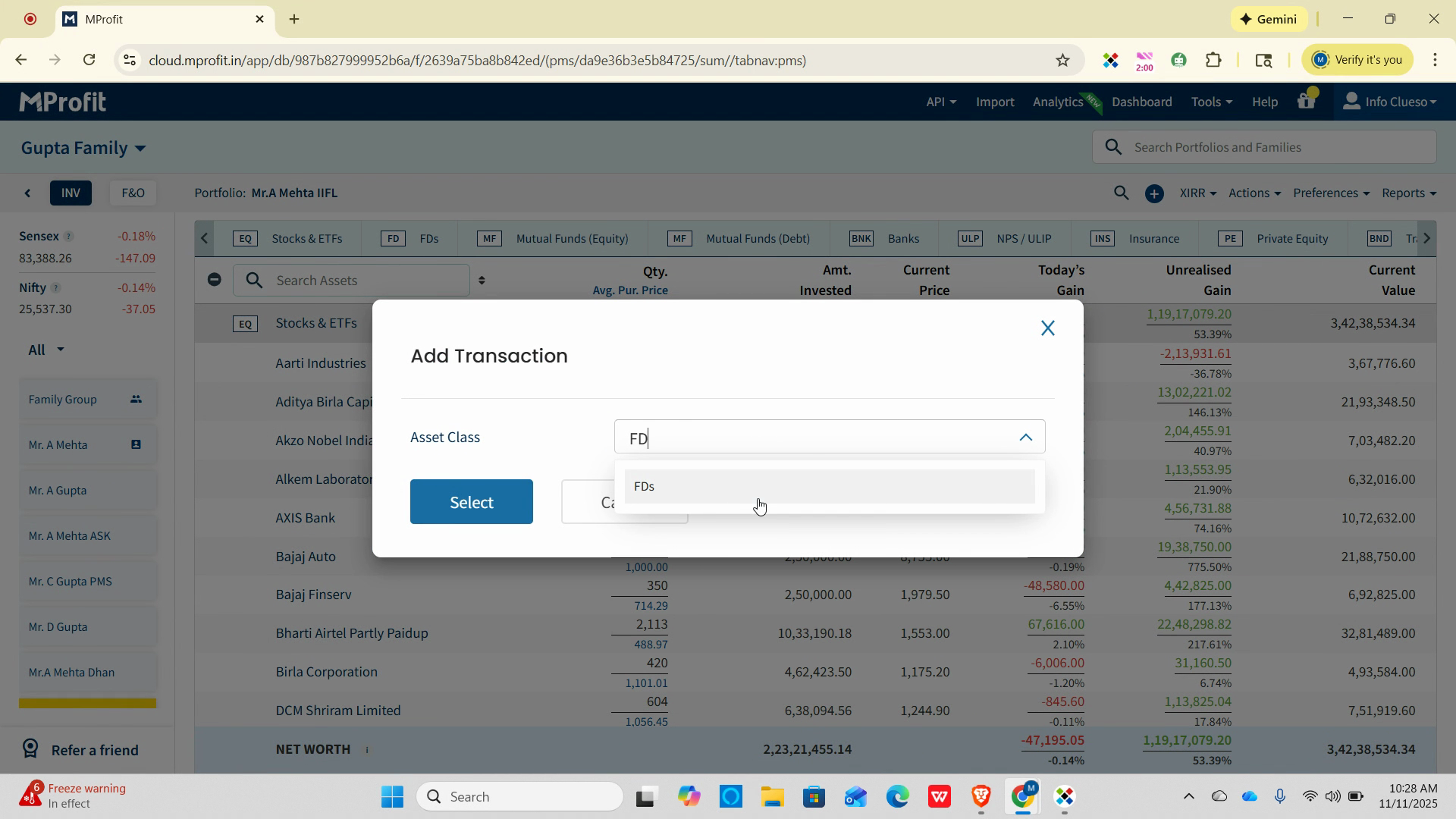
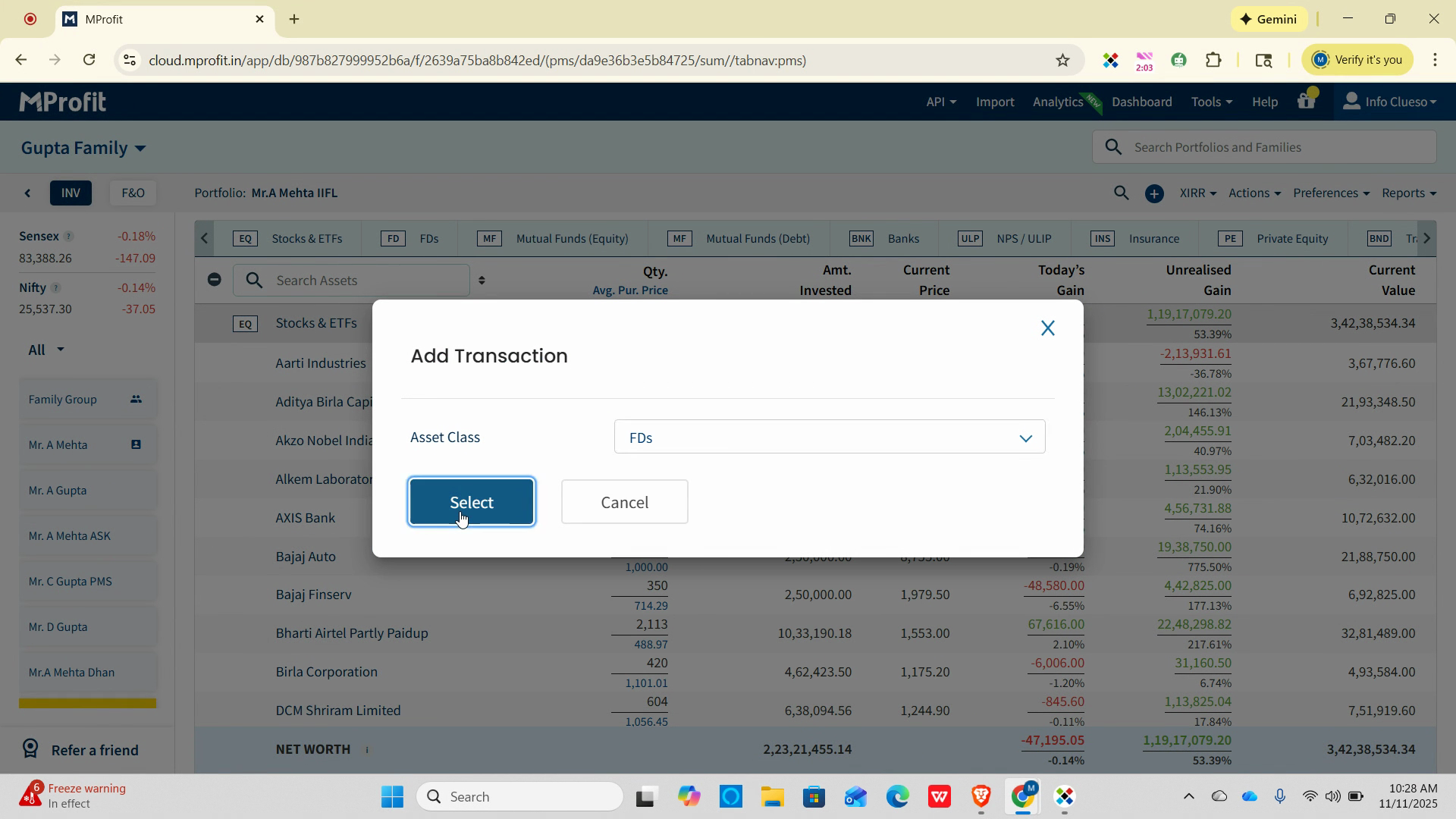
Step 3: Choose FD as the asset type, then select FD again in the next prompt to confirm.
Step 4: Set the transaction type to Investment for Asset name.
Step 5: If this is a new FD with a different bank or branch, click the plus icon and choose New Asset in the asset field.
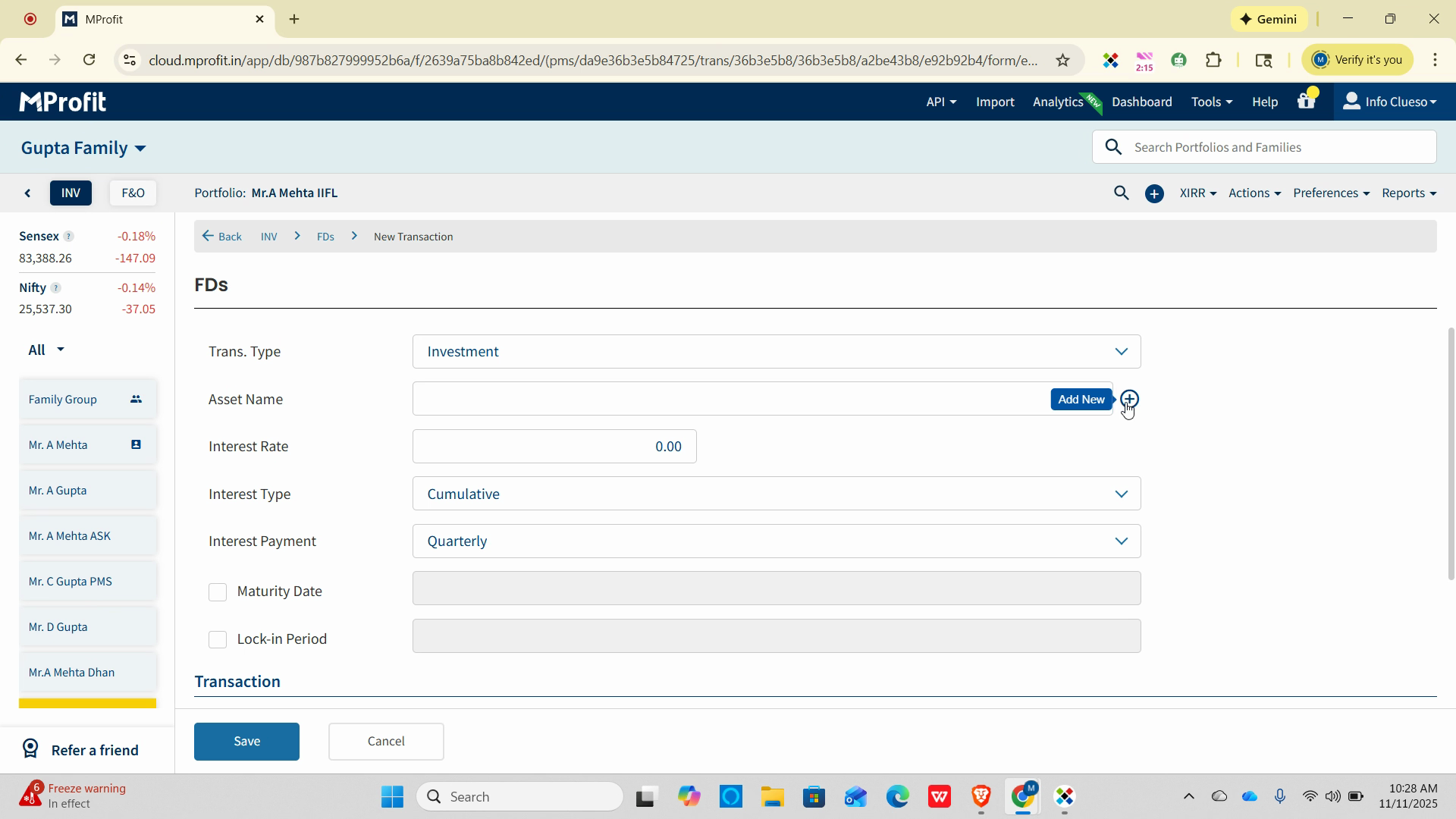
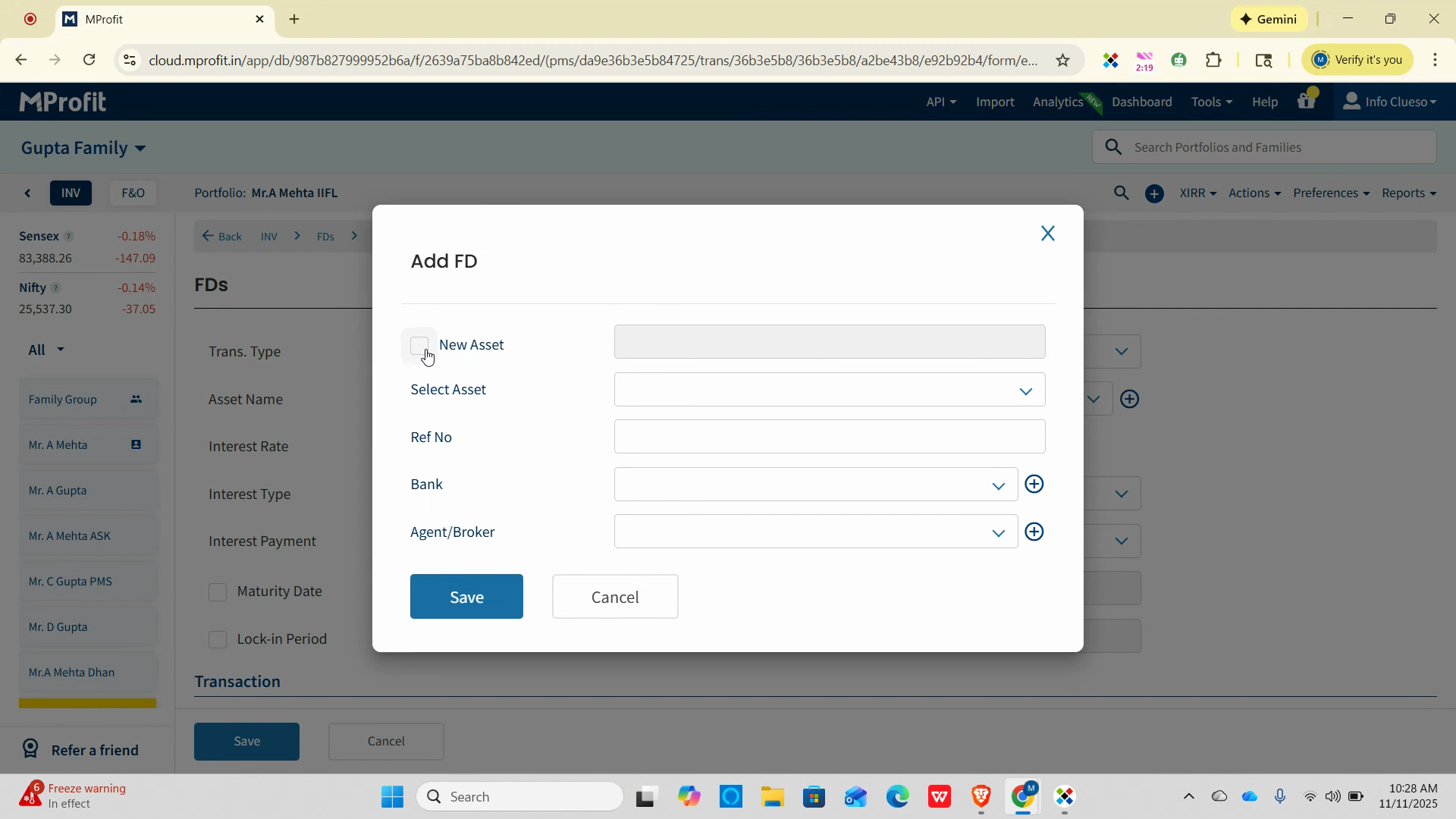
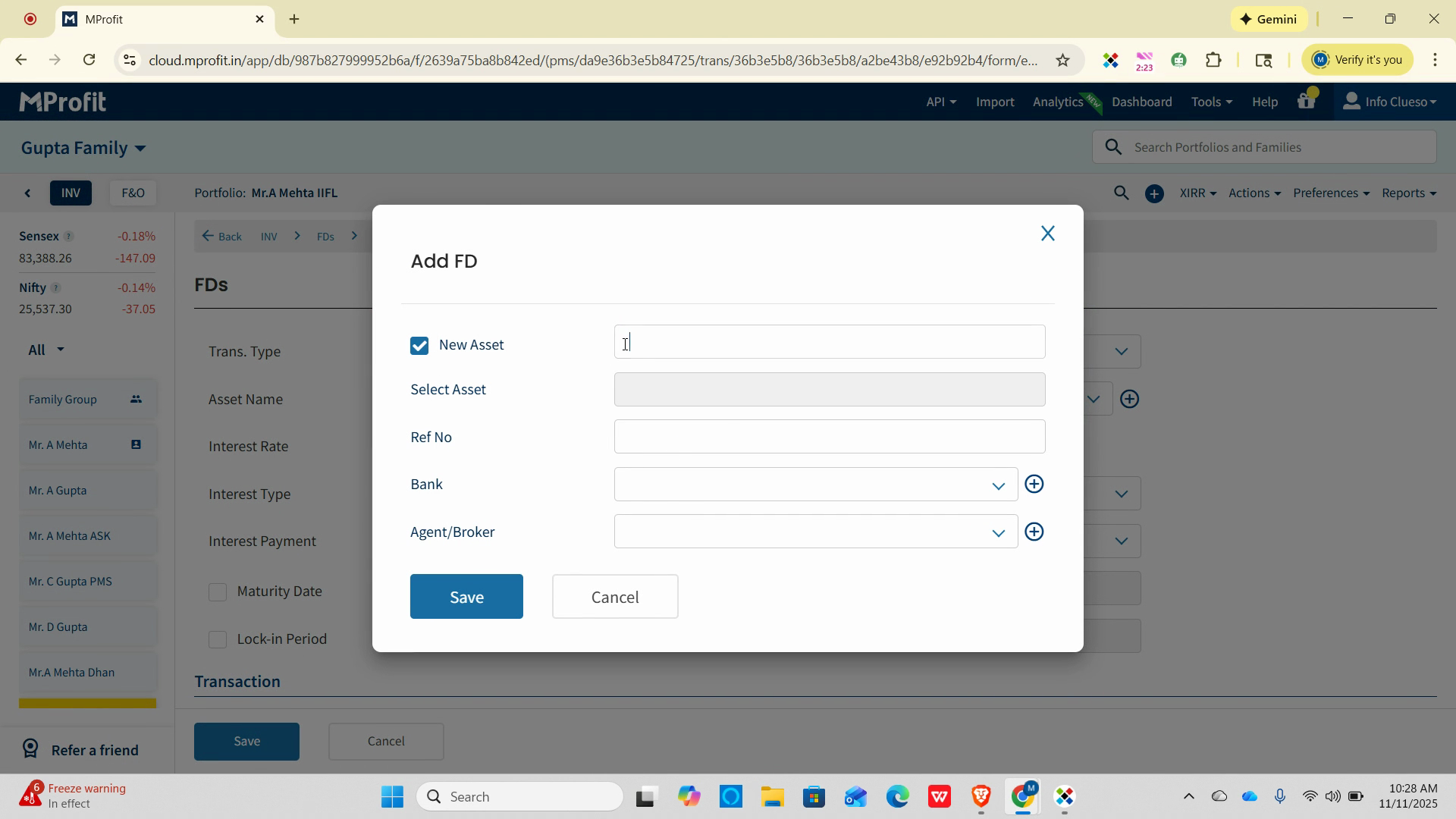
Step 6: Enter the name for the new FD and a reference number.
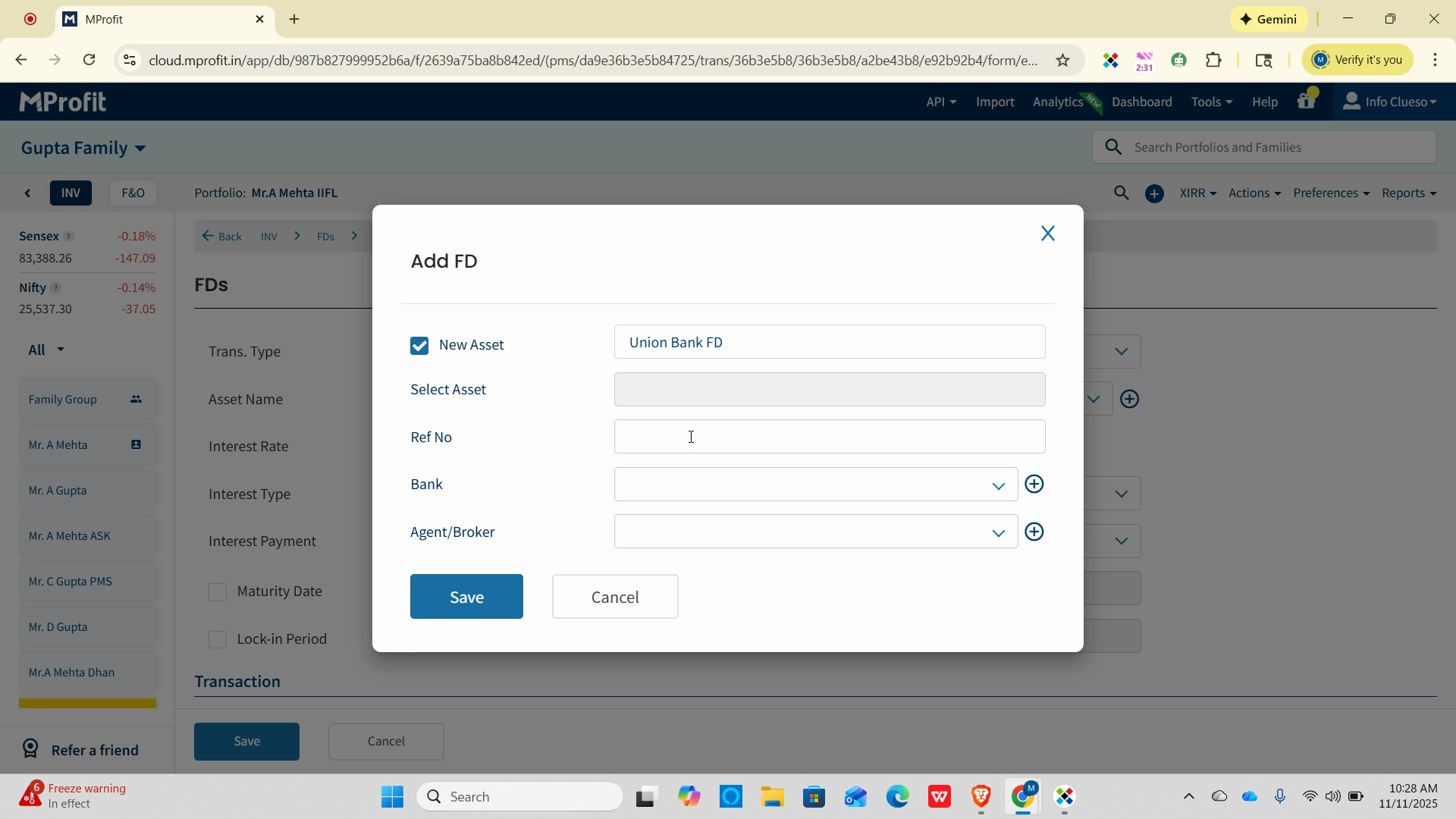
Step 7: Click Save to create the new asset.
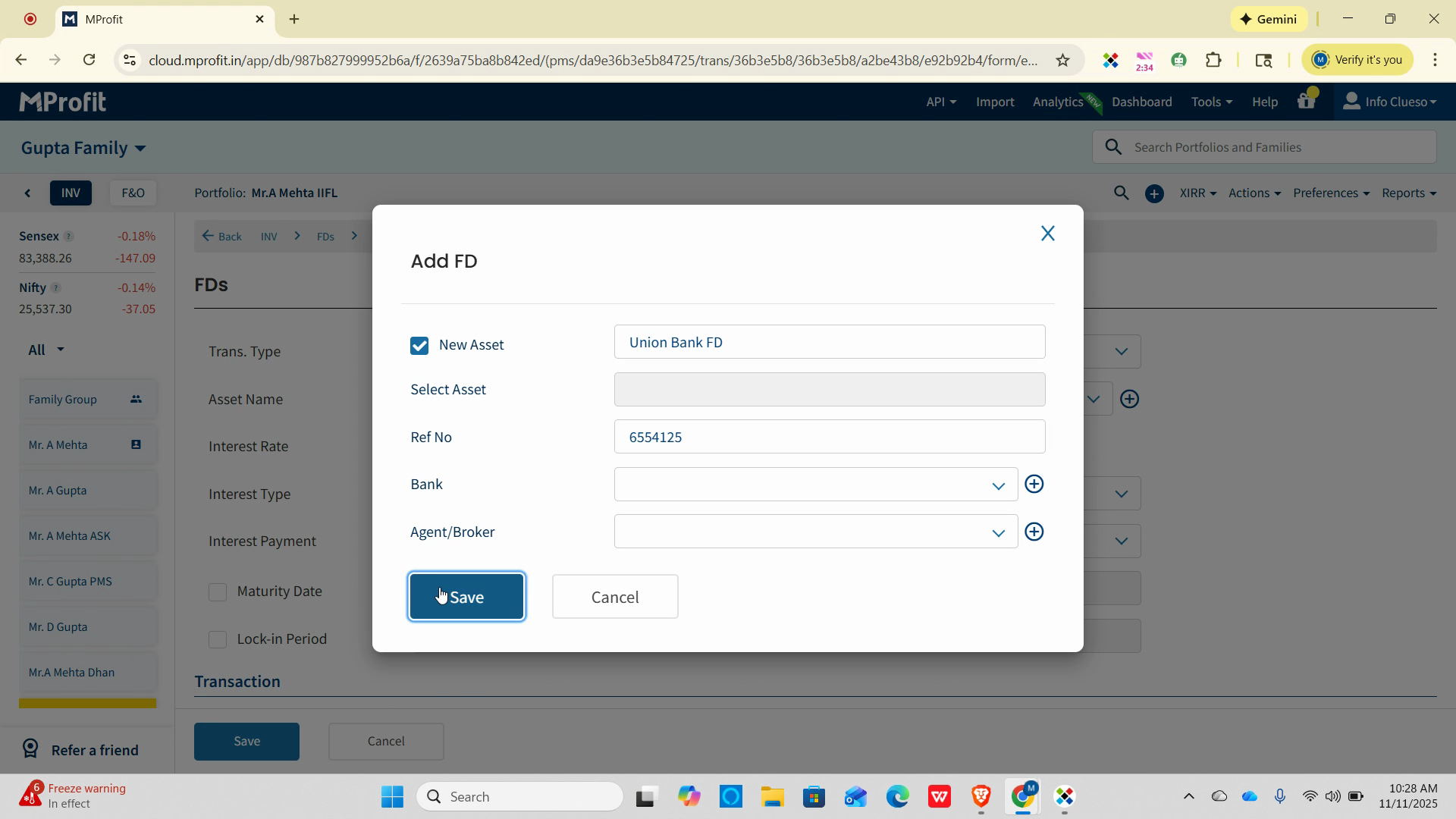
Step 8: Fill in the applicable interest rate and specify the interest type as either Cumulative or Payout.
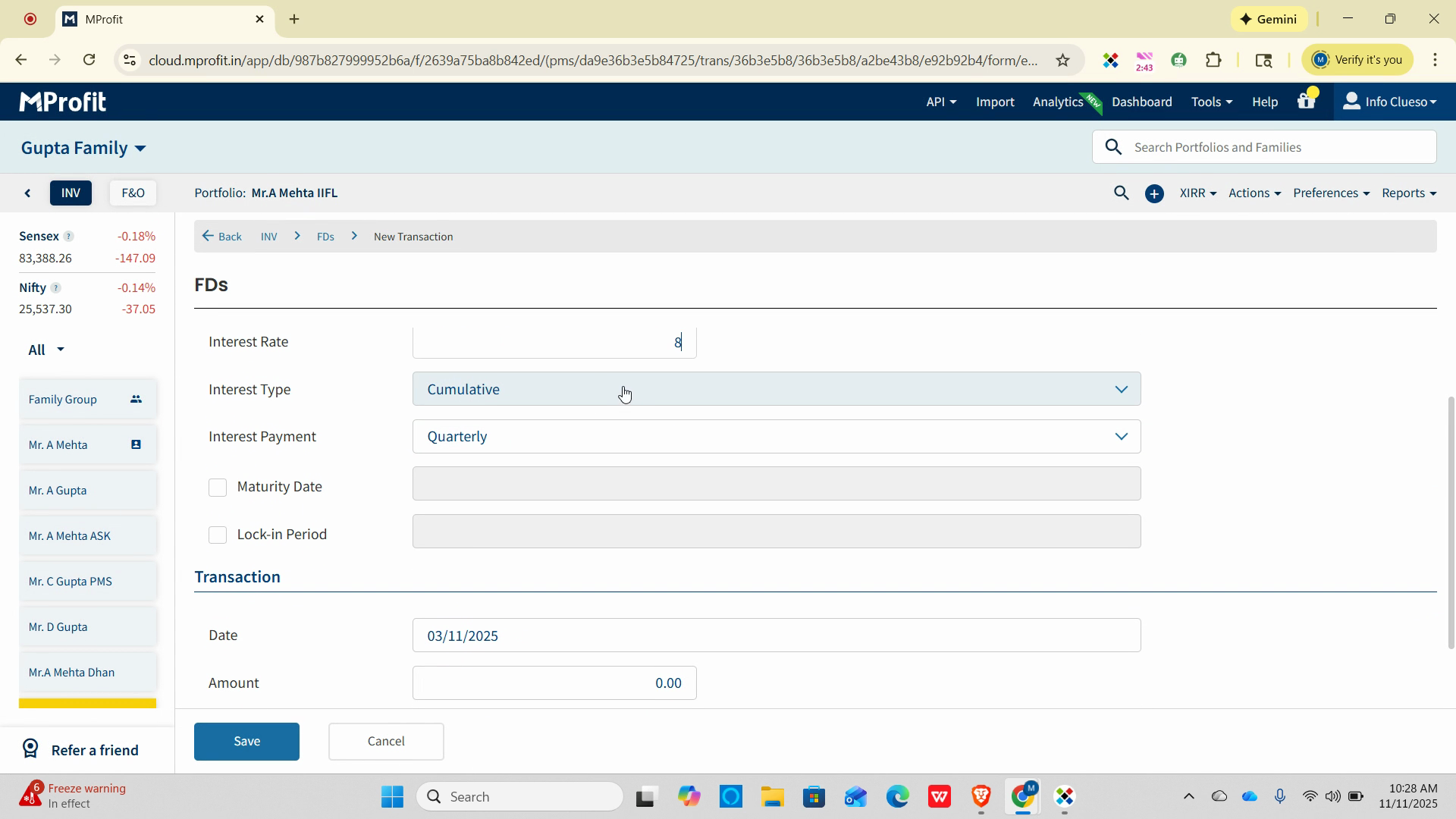
Step 9: Set the frequency of interest payment—yearly, half-yearly, quarterly, or monthly—to match your FD’s terms.
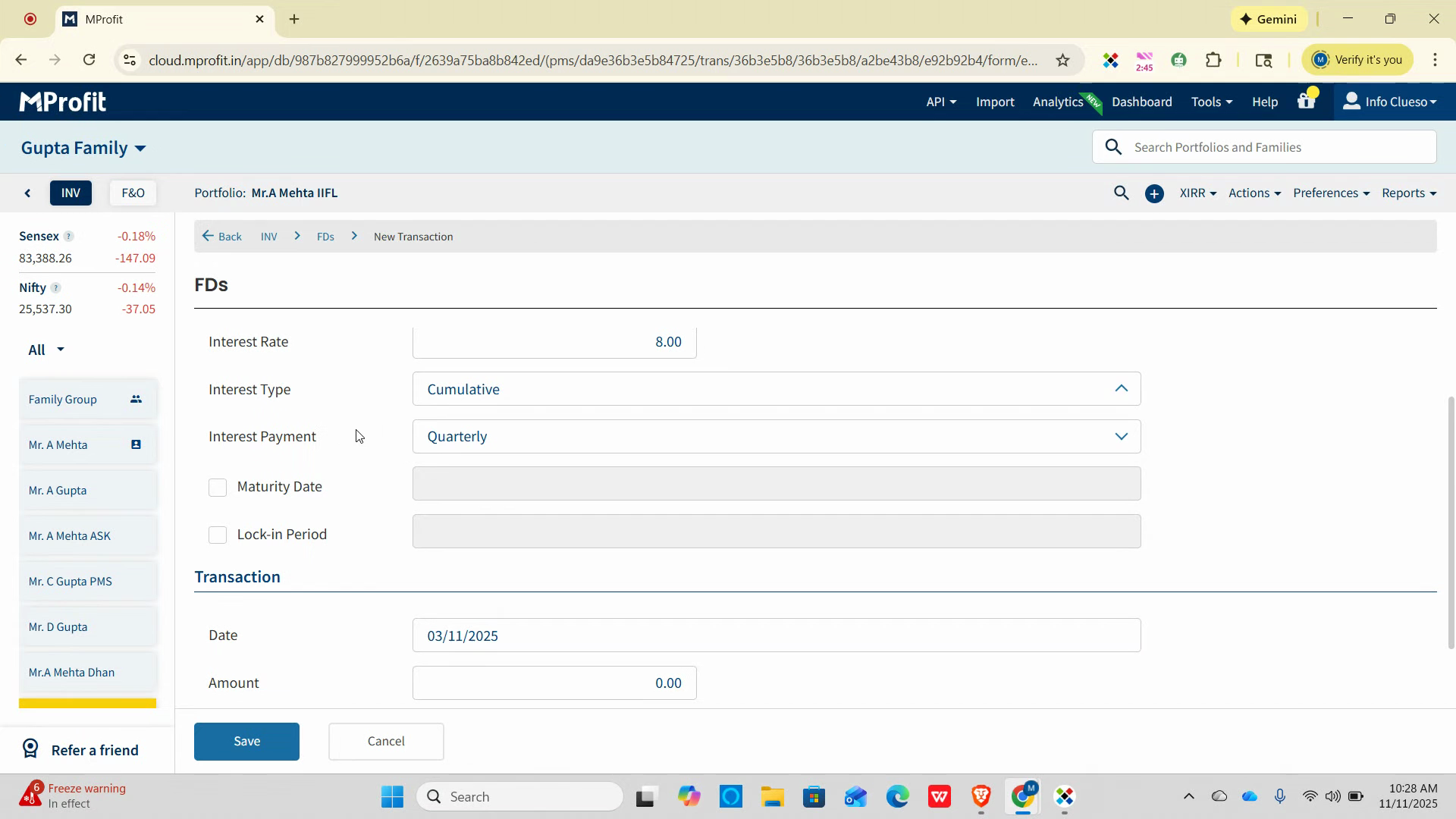
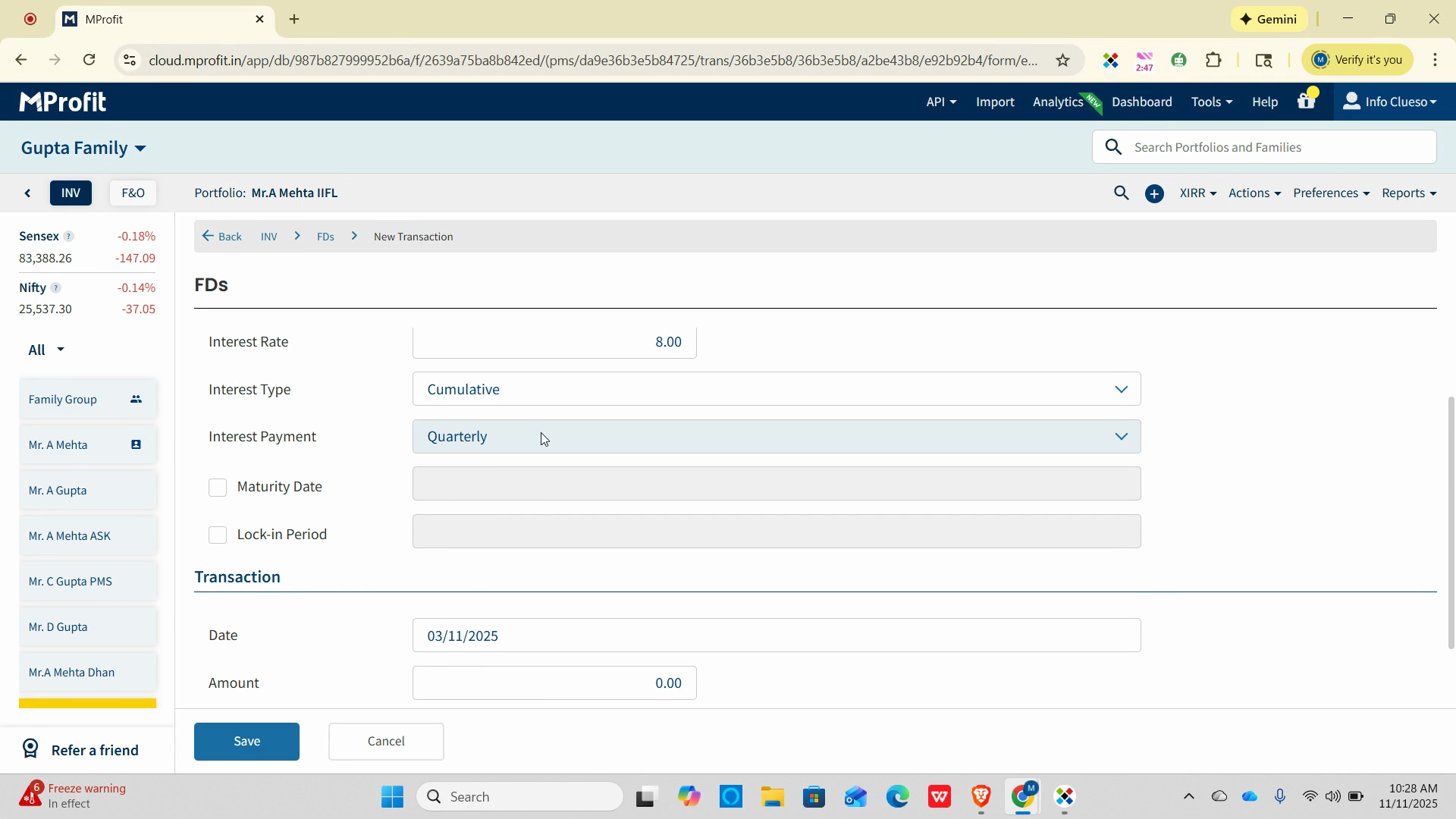
Step 10: For this example, choose Quarterly payment.
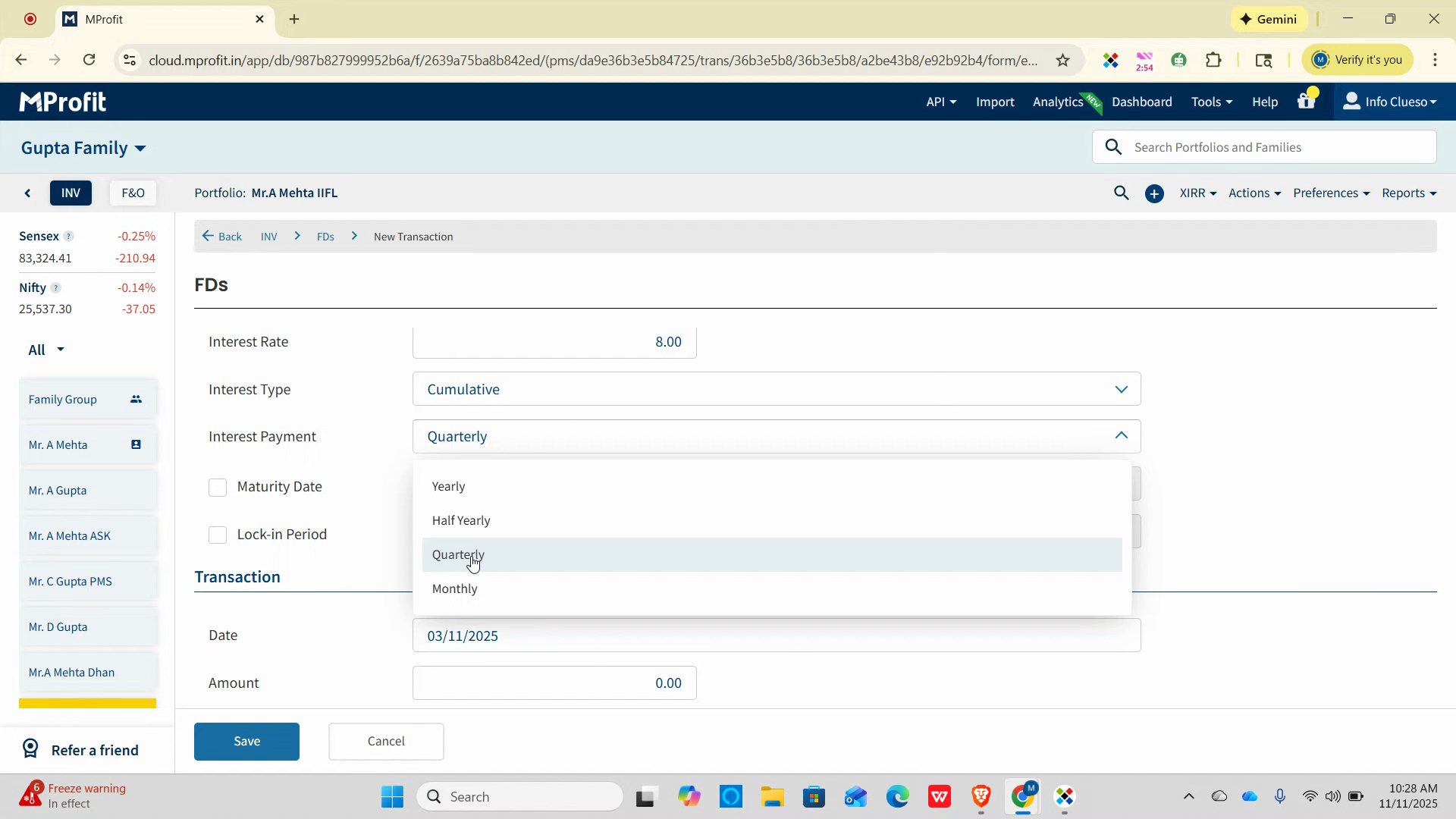
Step 11: In the date field, select the same date as the withdrawal entry (e.g., November 3rd).
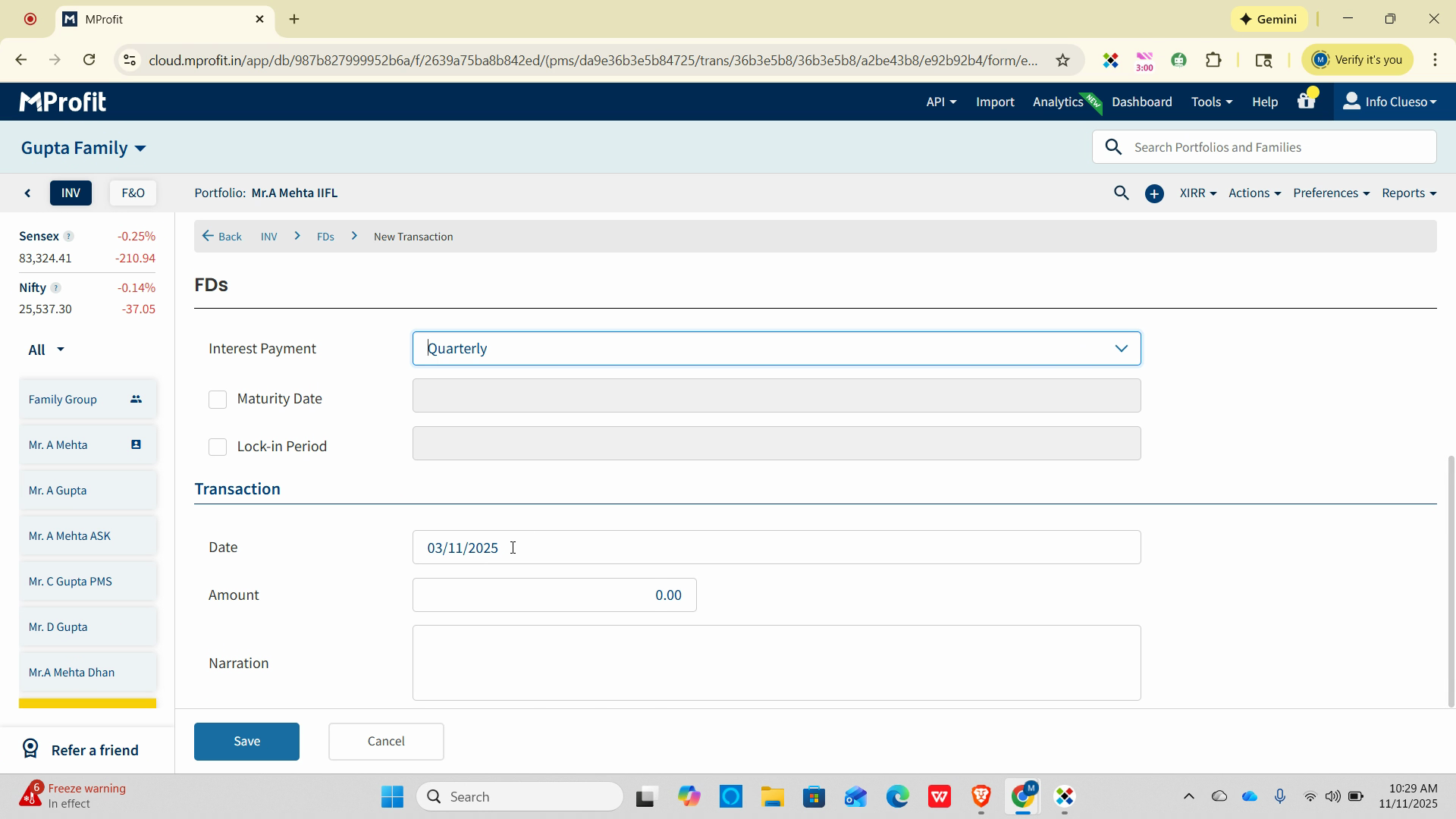
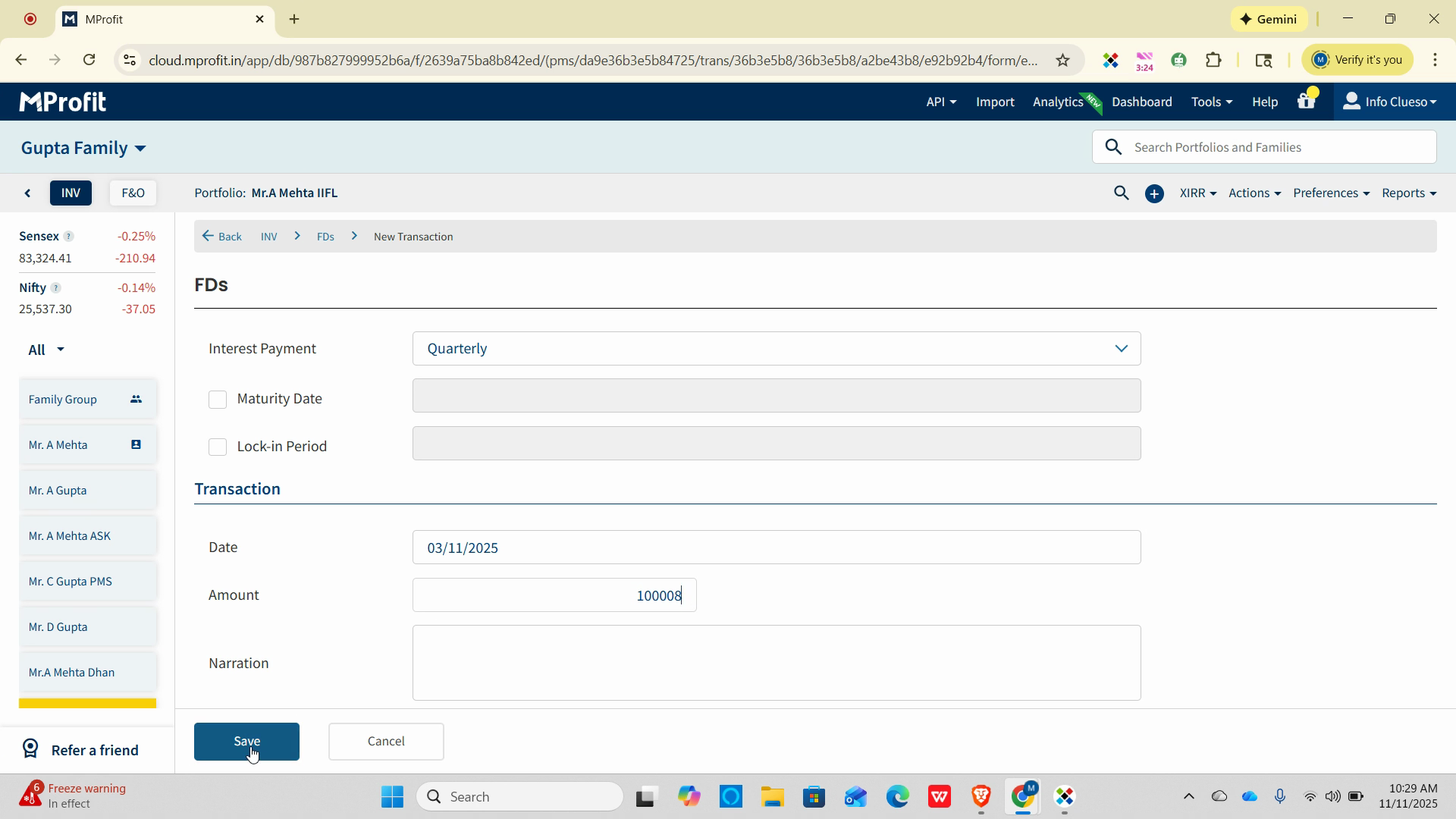
Step 12: Enter the amount being reinvested as the new FD’s principal.
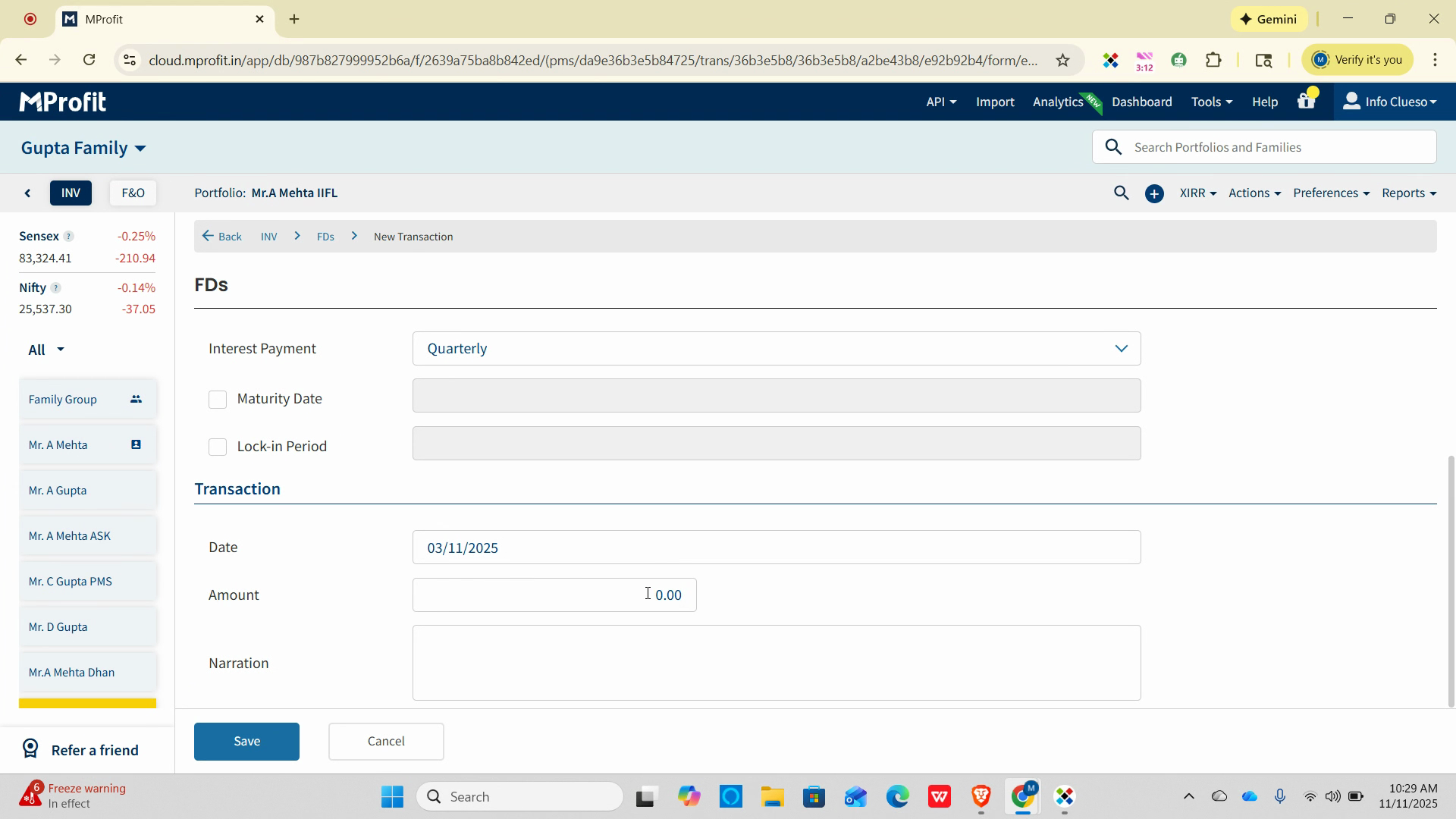
Step 13: Add an optional narration such as “Renewal of FD.”
Step 14: Click Save to record the new FD investment.
Renewing your FD in MProfit maintains an accurate investment history, helps reconcile your portfolio, and ensures future interest calculations are on track.
Repeat these steps each time an FD matures and is renewed for seamless tracking.
Was this article helpful?
That’s Great!
Thank you for your feedback
Sorry! We couldn't be helpful
Thank you for your feedback
Feedback sent
We appreciate your effort and will try to fix the article