Manage your international NCDs and Debentures efficiently in MProfit Cloud with this step-by-step guide. Learn how to accurately enter transactions, set details for each asset, and stay on top of your investment records.
Step 1: Go to the International segment in your MProfit Cloud account.
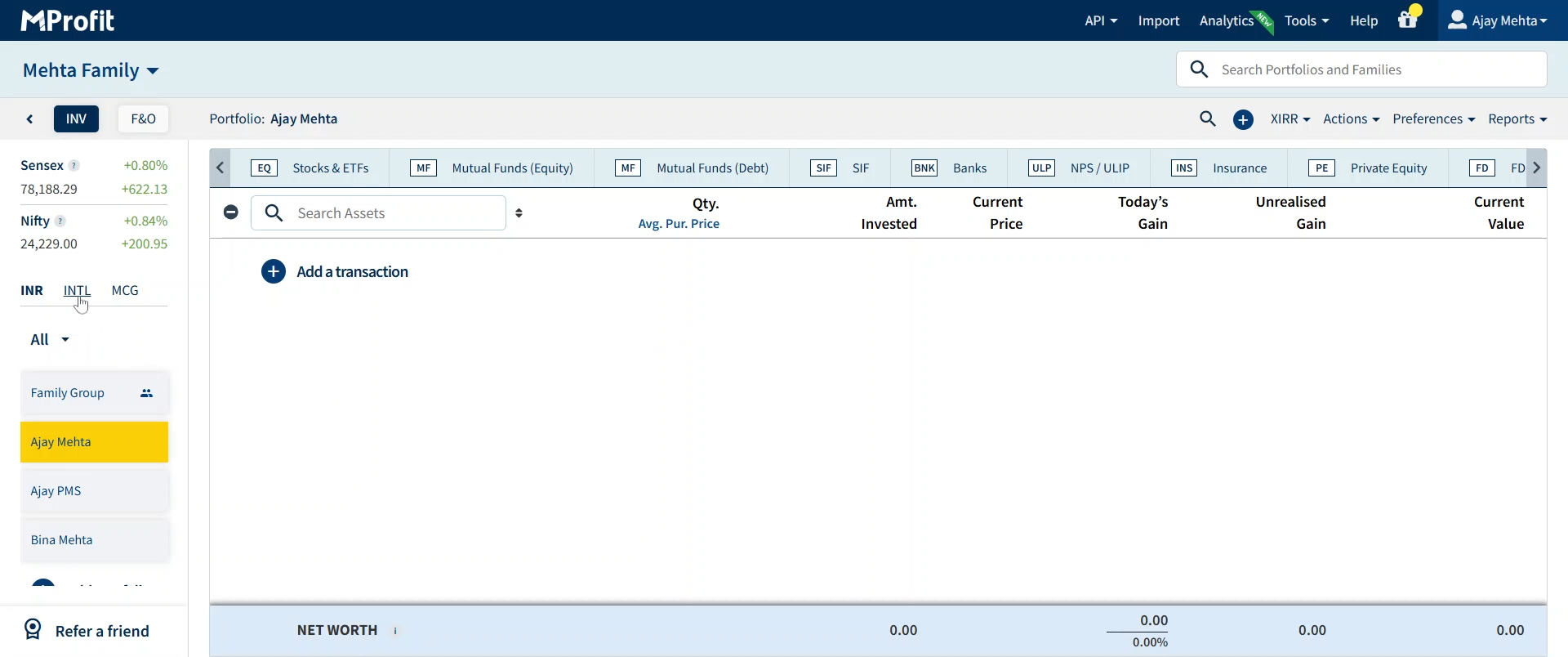
Step 2: Click the plus icon to add a new item.
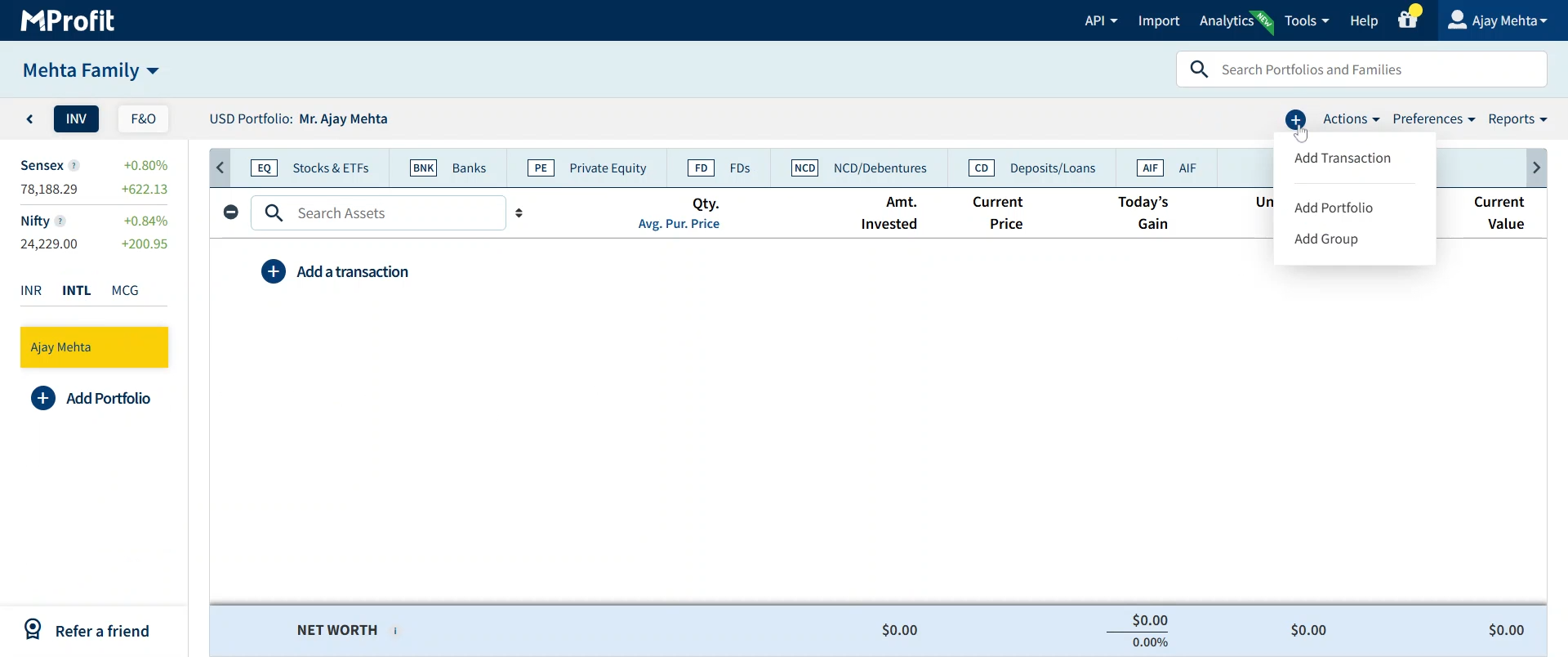
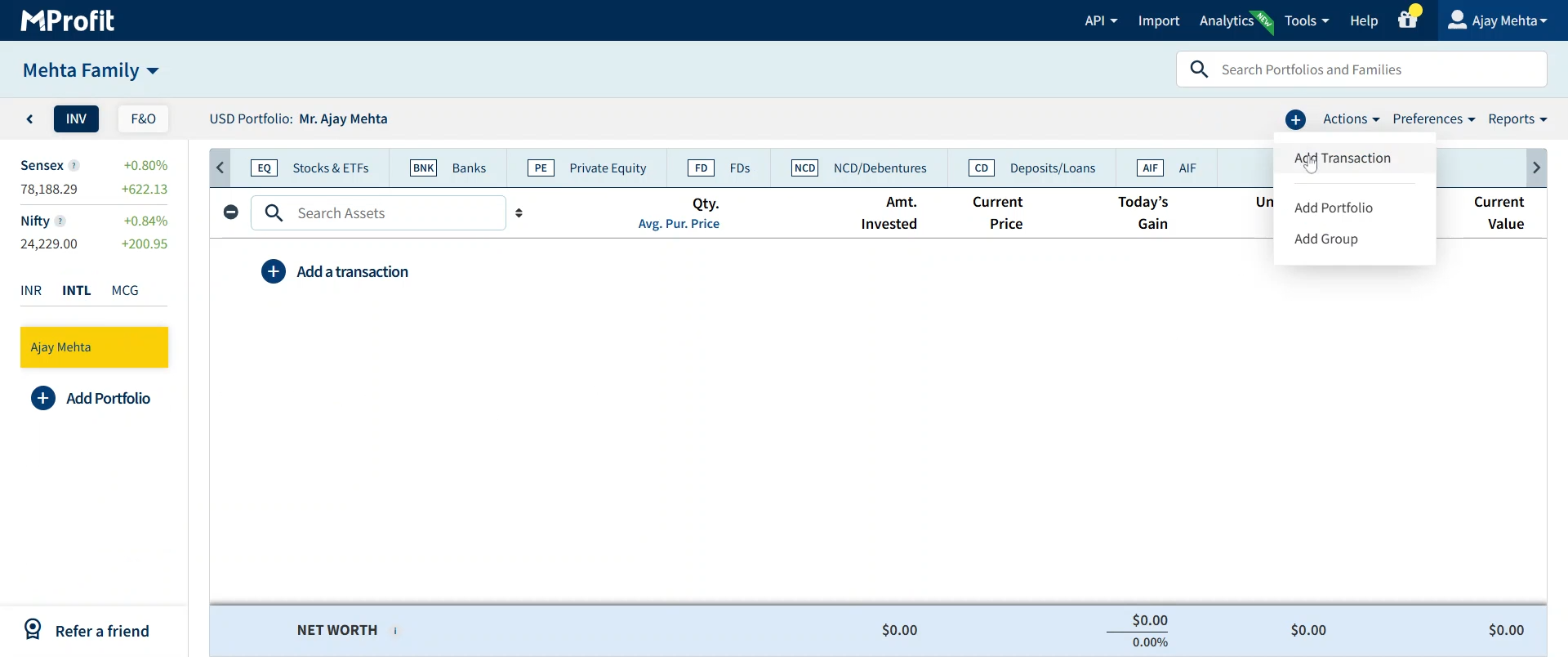
Step 3: Select Add Transaction from the options.
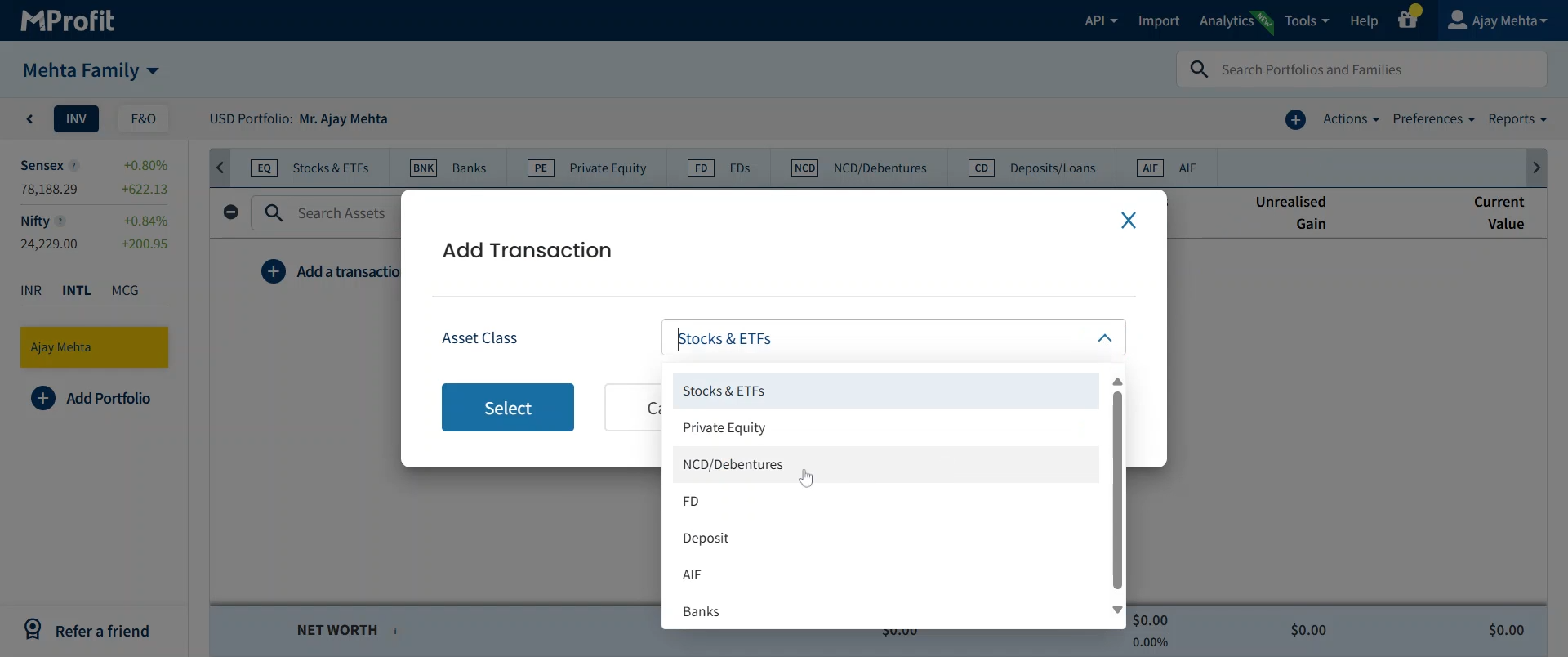
Step 4: In the Asset Class menu, open the dropdown.
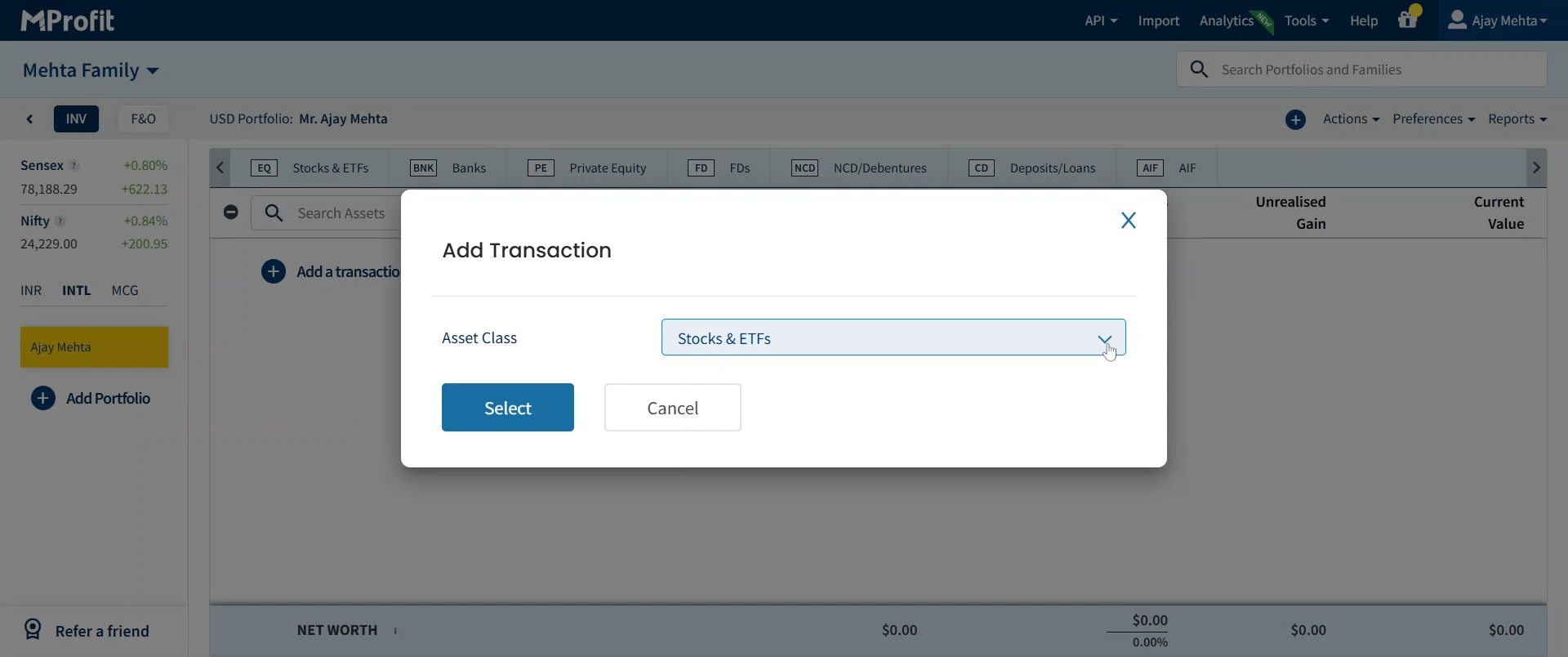
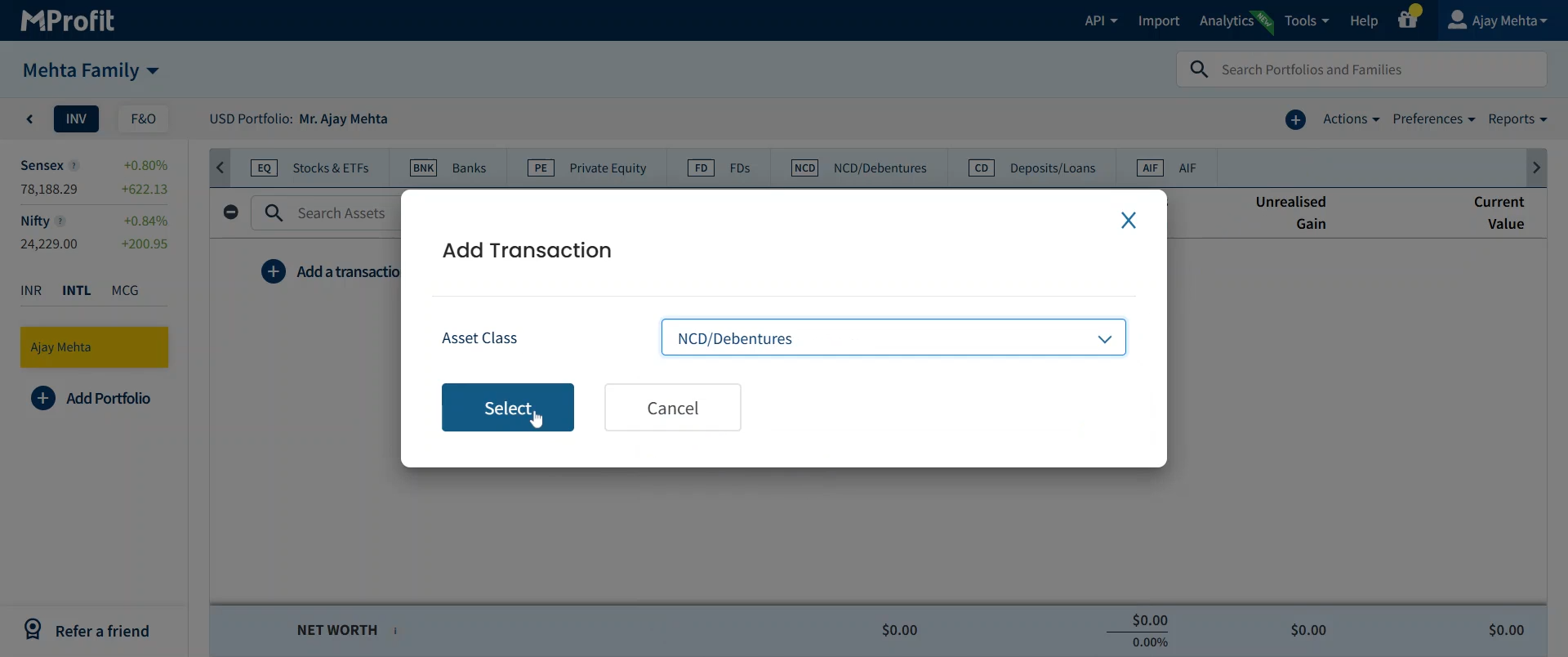
Step 5: Choose NCD / Debentures as your asset class, then click Select.
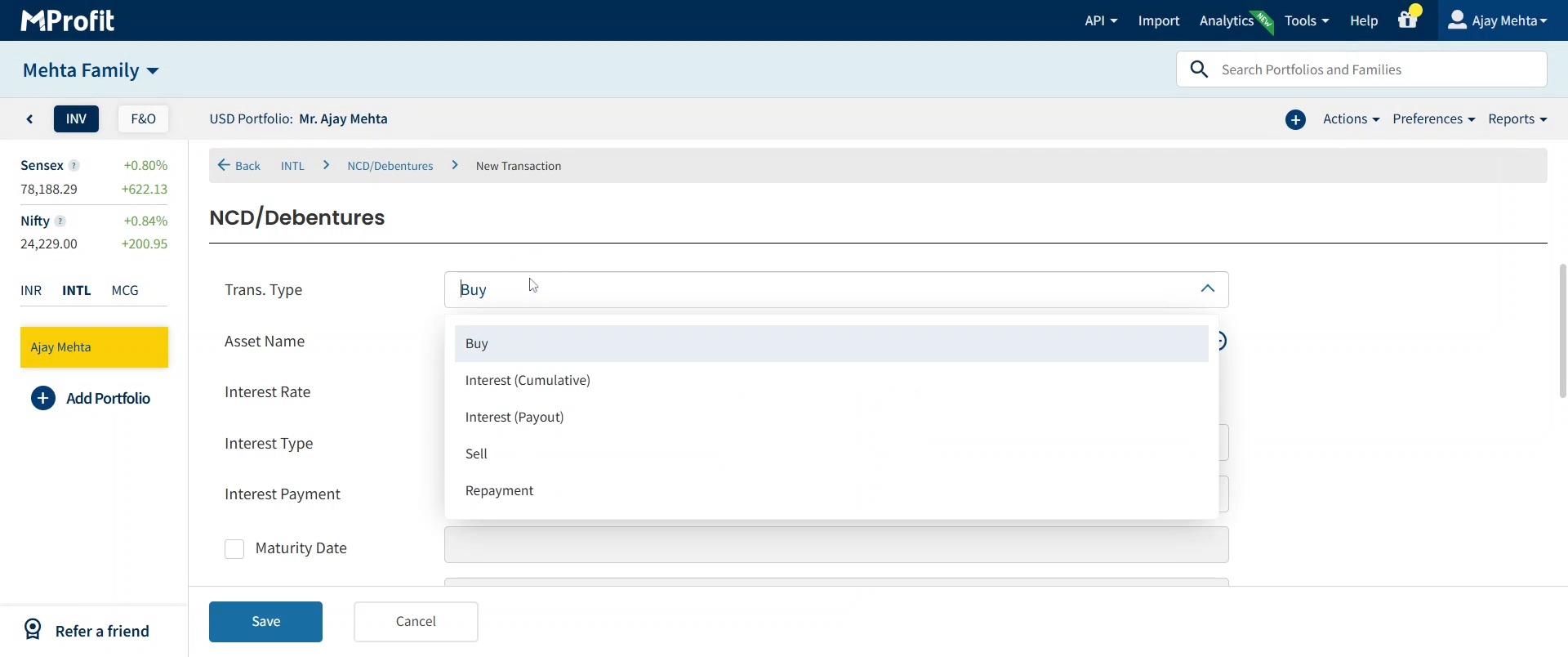
Step 6: Fill in the transaction details. Start by selecting the Transaction Type that matches your entry.
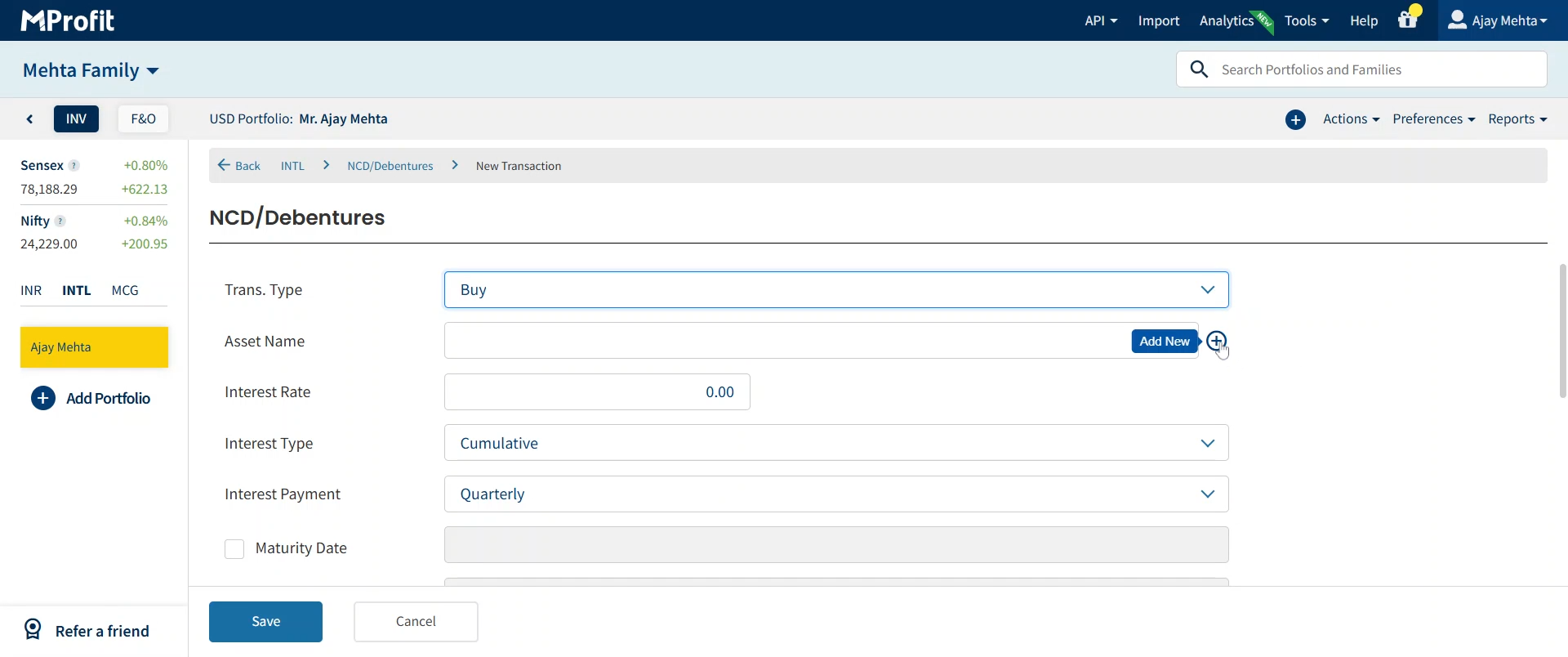
Step 7: Enter the Asset Name. To add a new asset, click the plus icon labeled Add New.
Step 8: Tick the checkbox for New Asset.
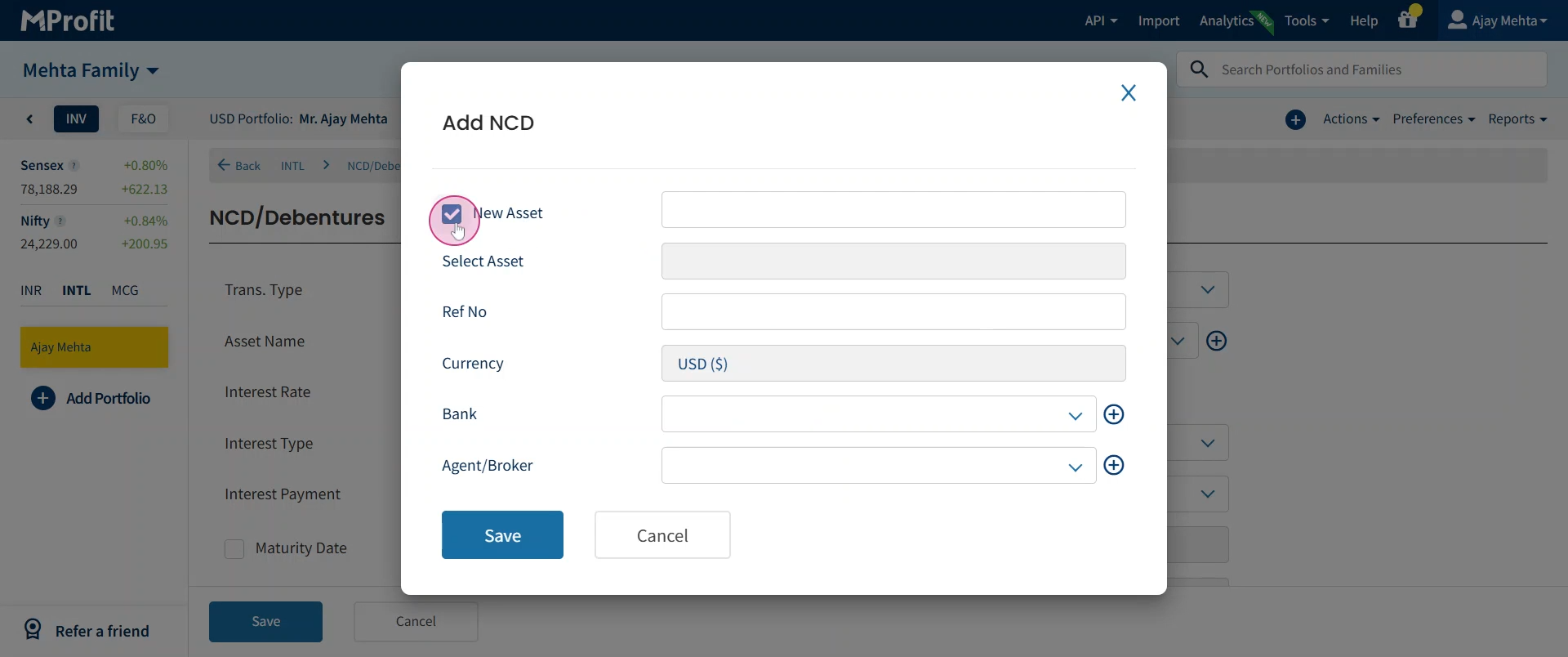
Step 9: Type the unique name for your asset.
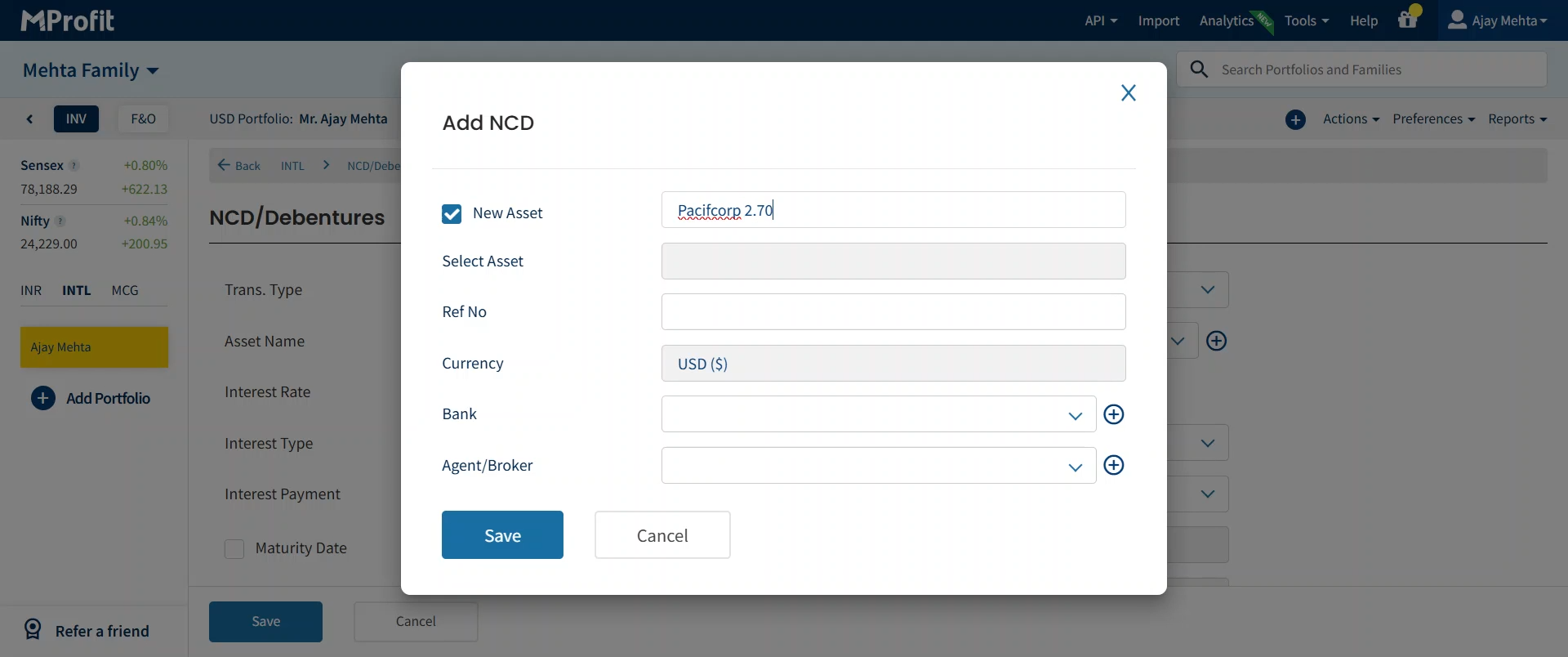
Step 10: Add a Reference Number if you need to track this asset specifically.
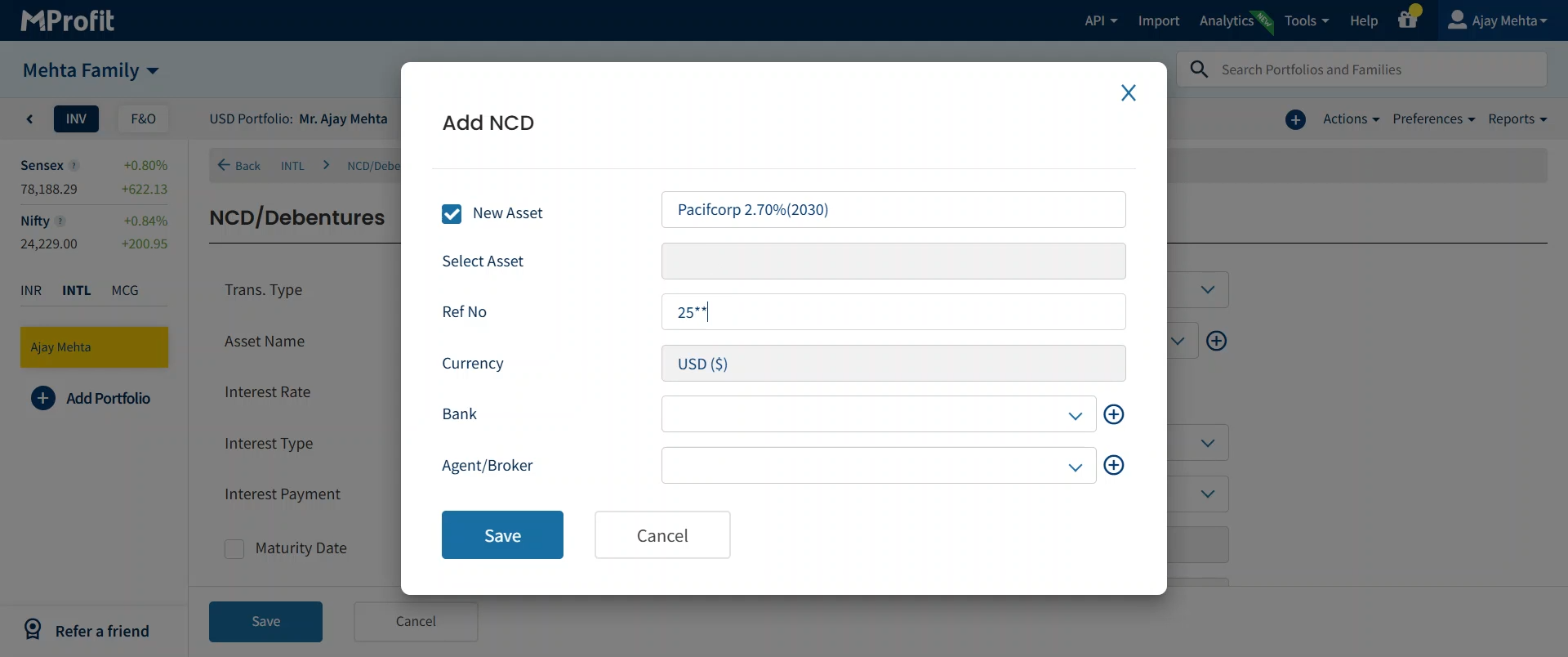
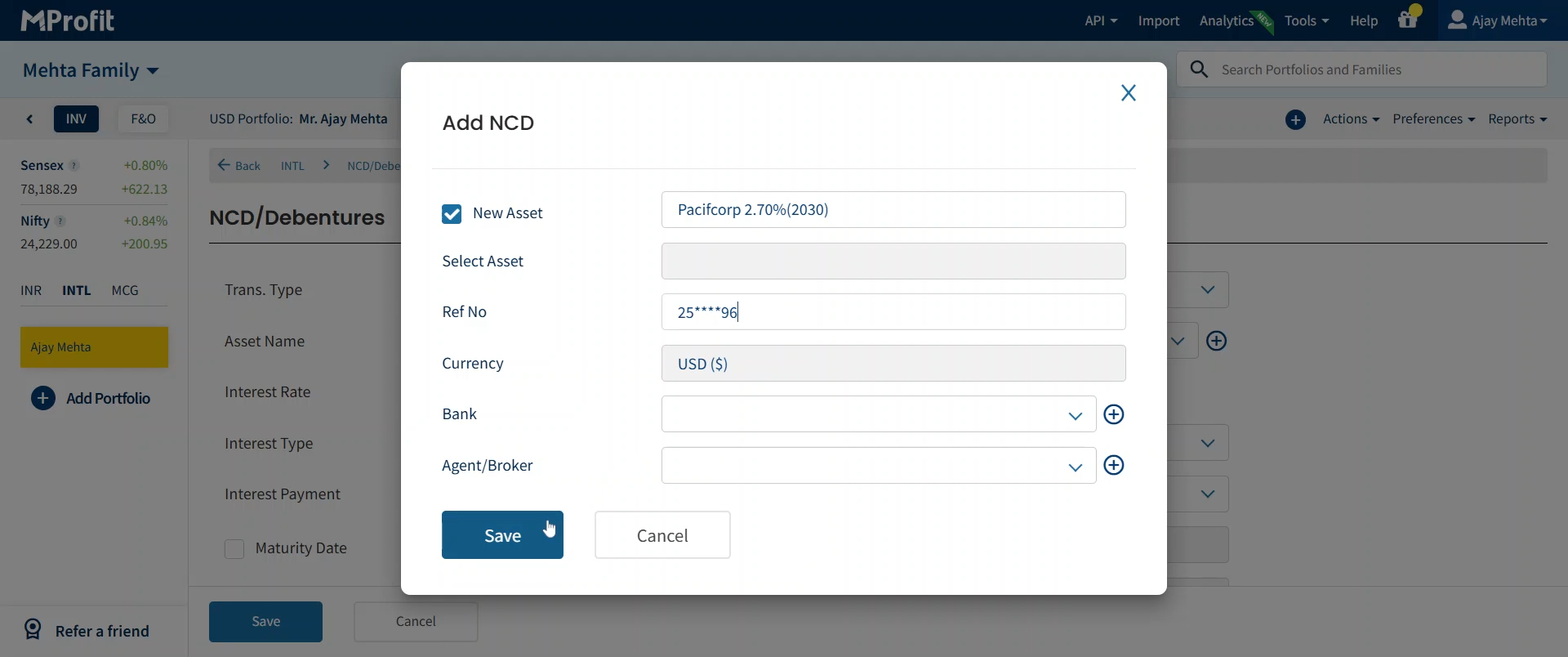
Step 11: Confirm the Currency (defaults to US Dollars) and add any Bank, Agent, or Broker details if needed. Save the asset.
Step 12: Enter the Interest Rate offered by the debenture.
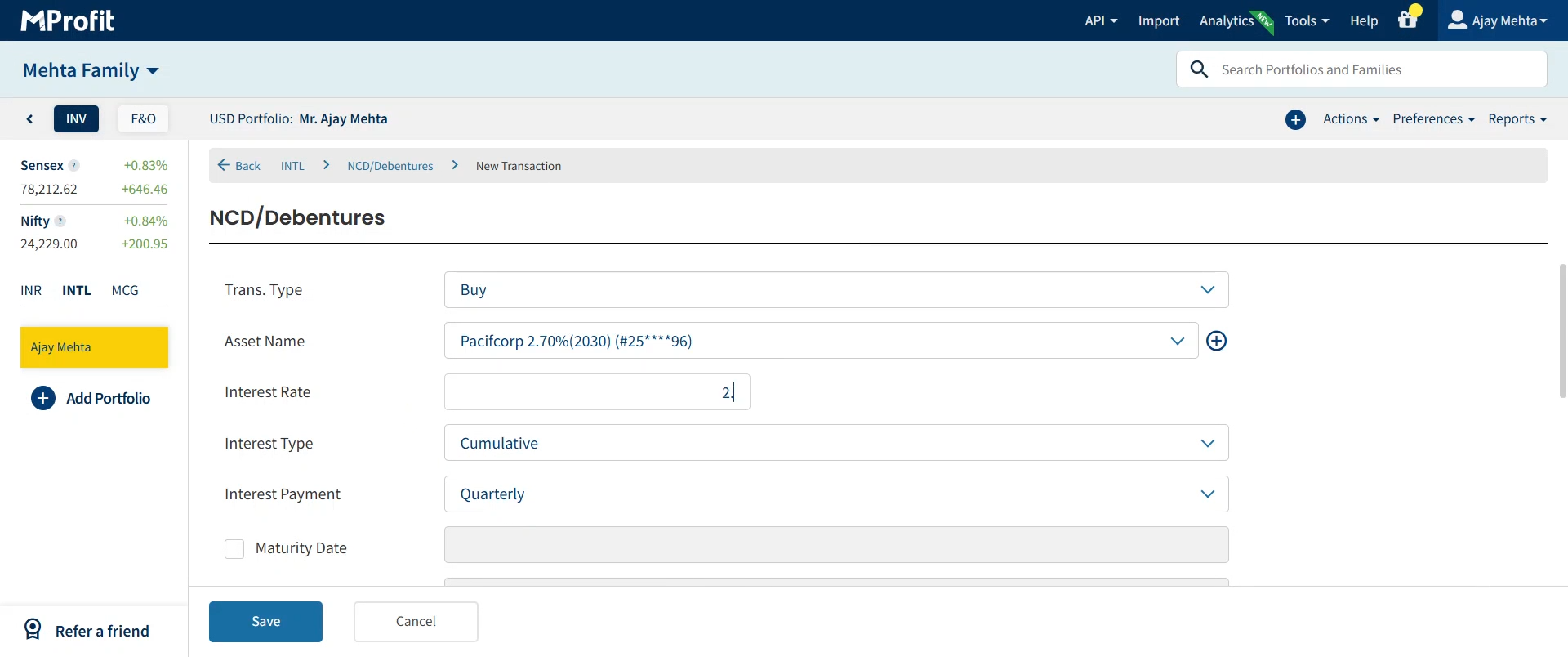
Step 13: Choose the correct Interest Type for your investment.
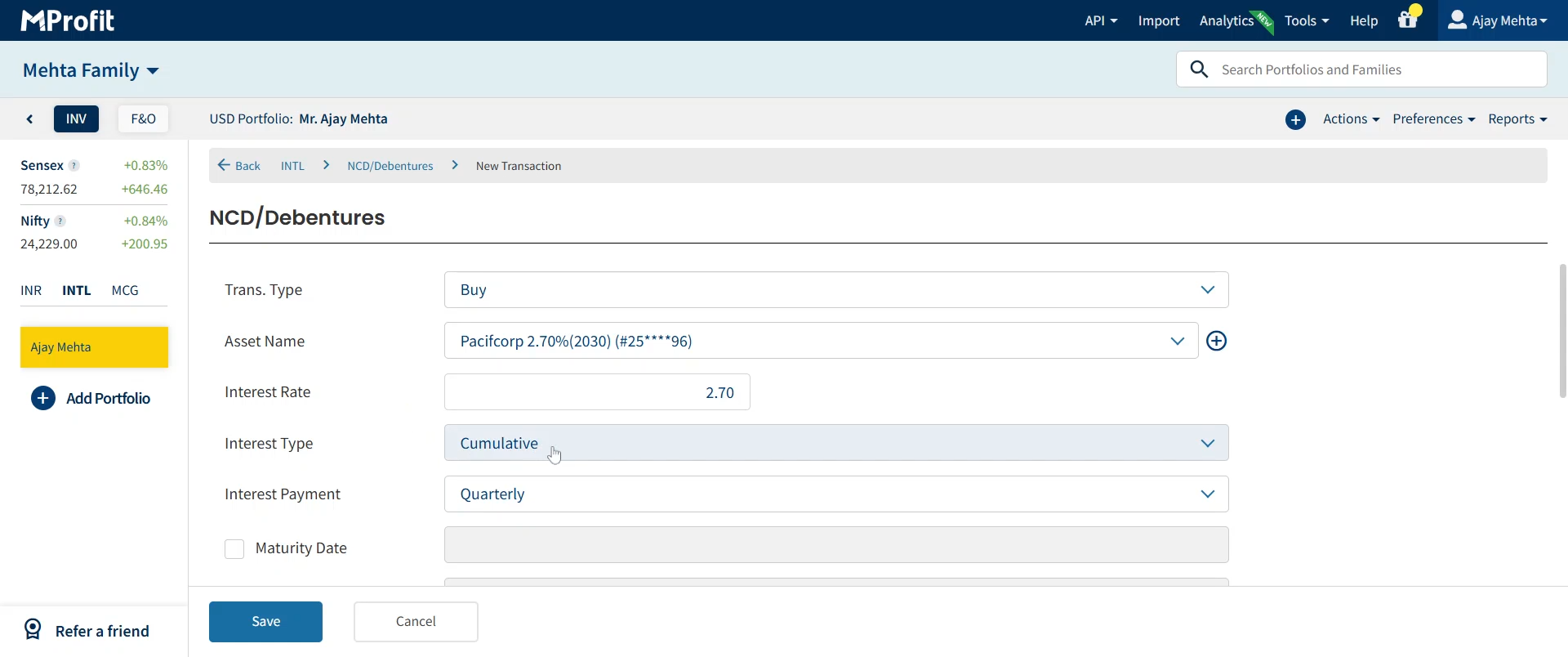
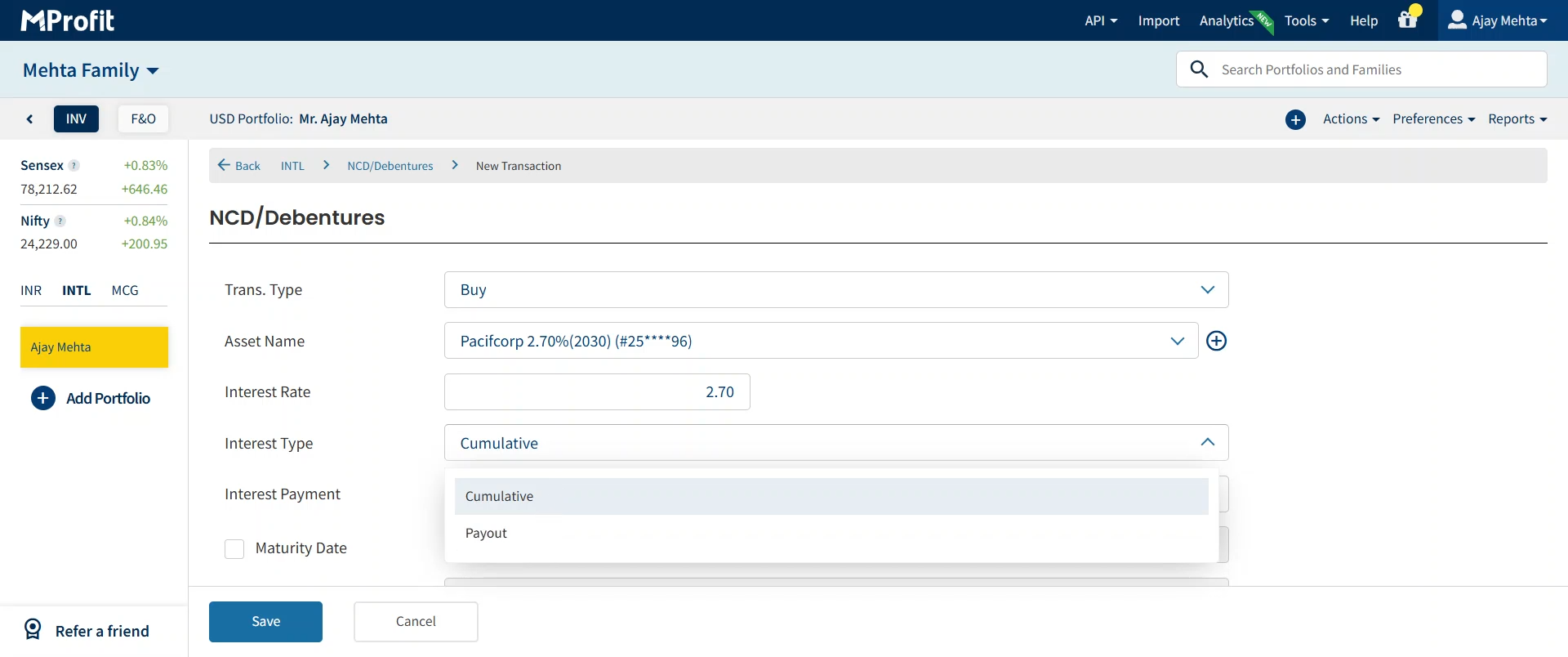
Step 14: Pick if the Interest Type is Cumulative or Payout as per your asset's structure.
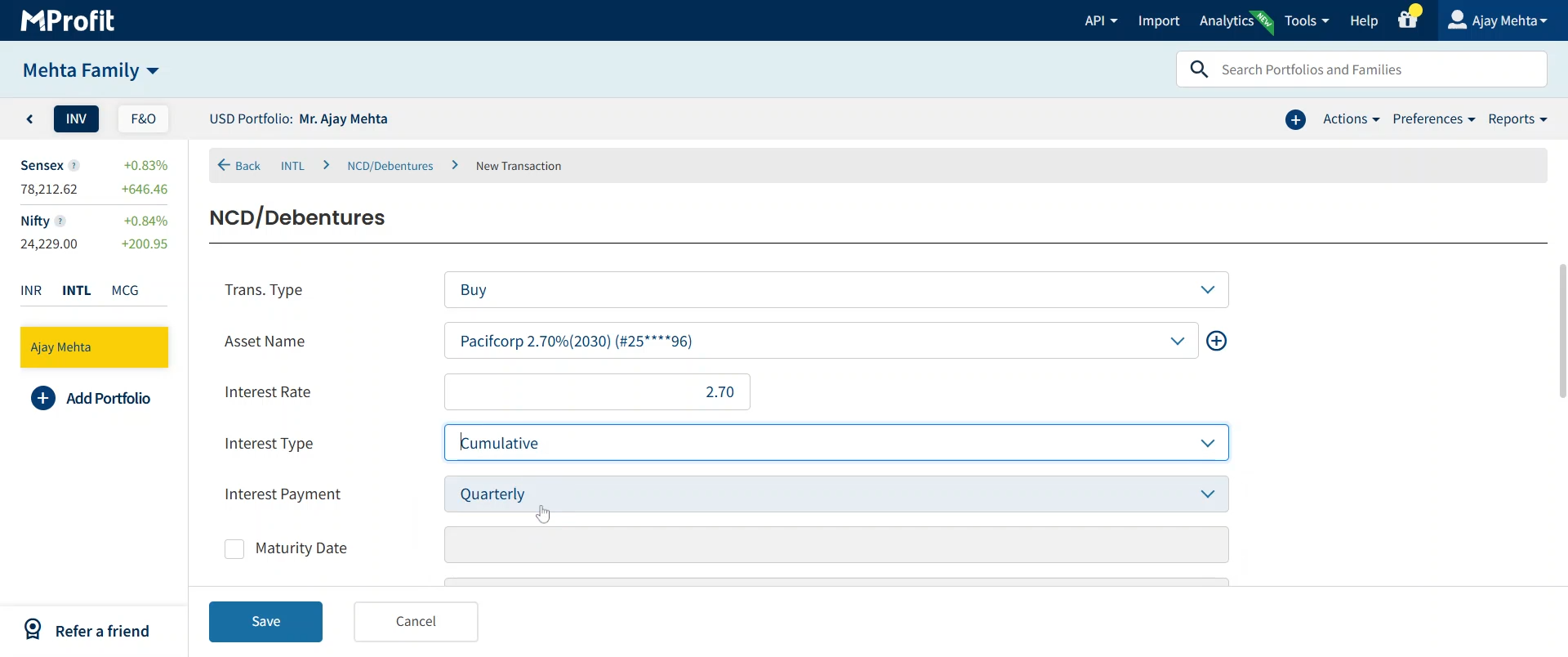
Step 15: Select the Interest Payment Time Frame - Yearly, Half-Yearly, Quarterly, or Monthly - to match the payout frequency. For example, choose Quarterly if that's how interest is received.
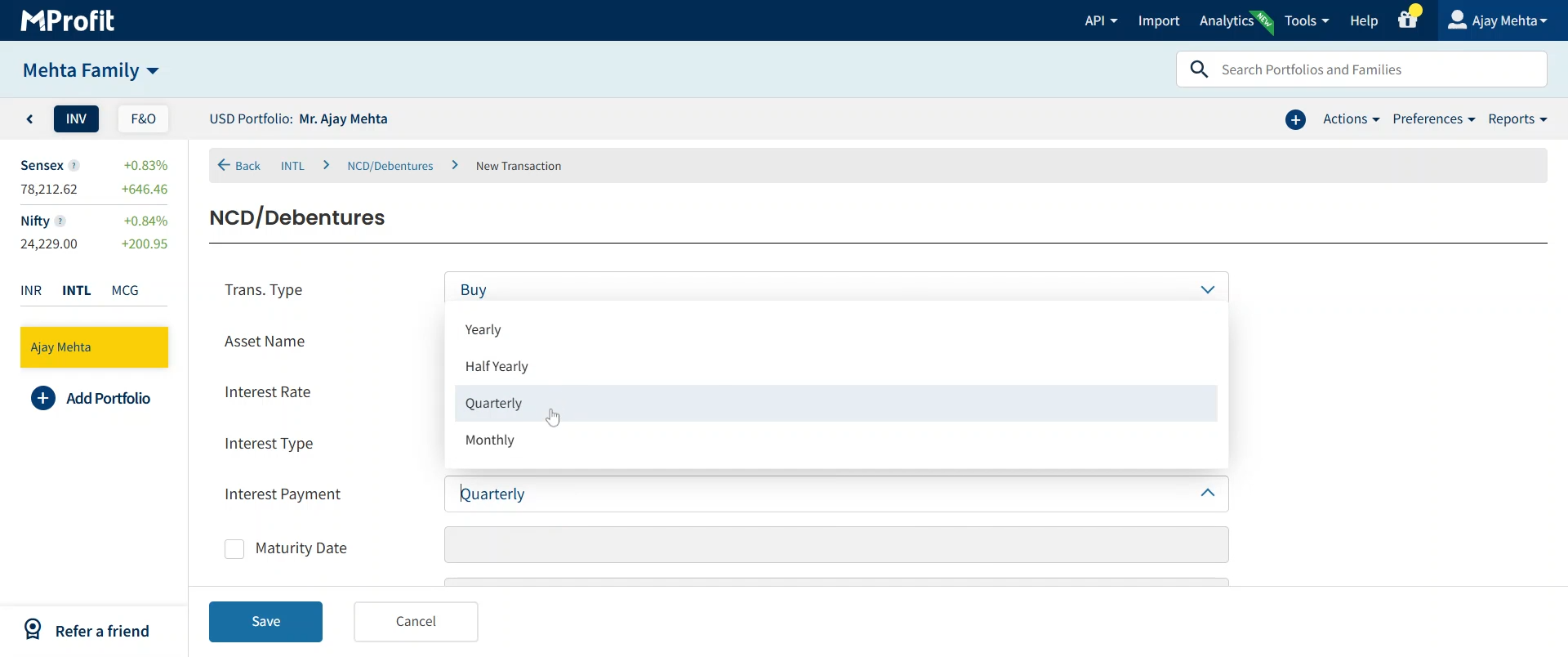
Step 16: Provide the Maturity Date of the debenture.
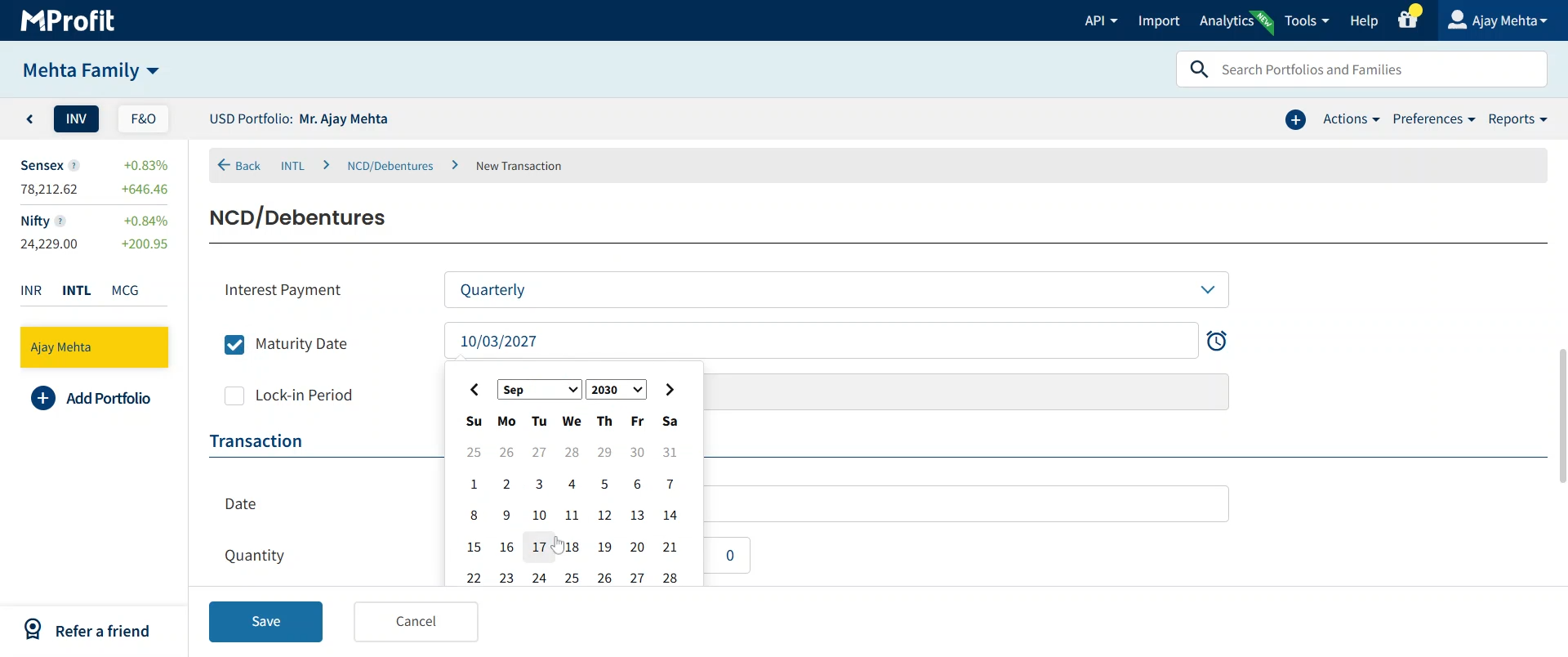
Step 17: Enter any applicable Lock-in Period - this is the duration before you can liquidate or redeem your investment.
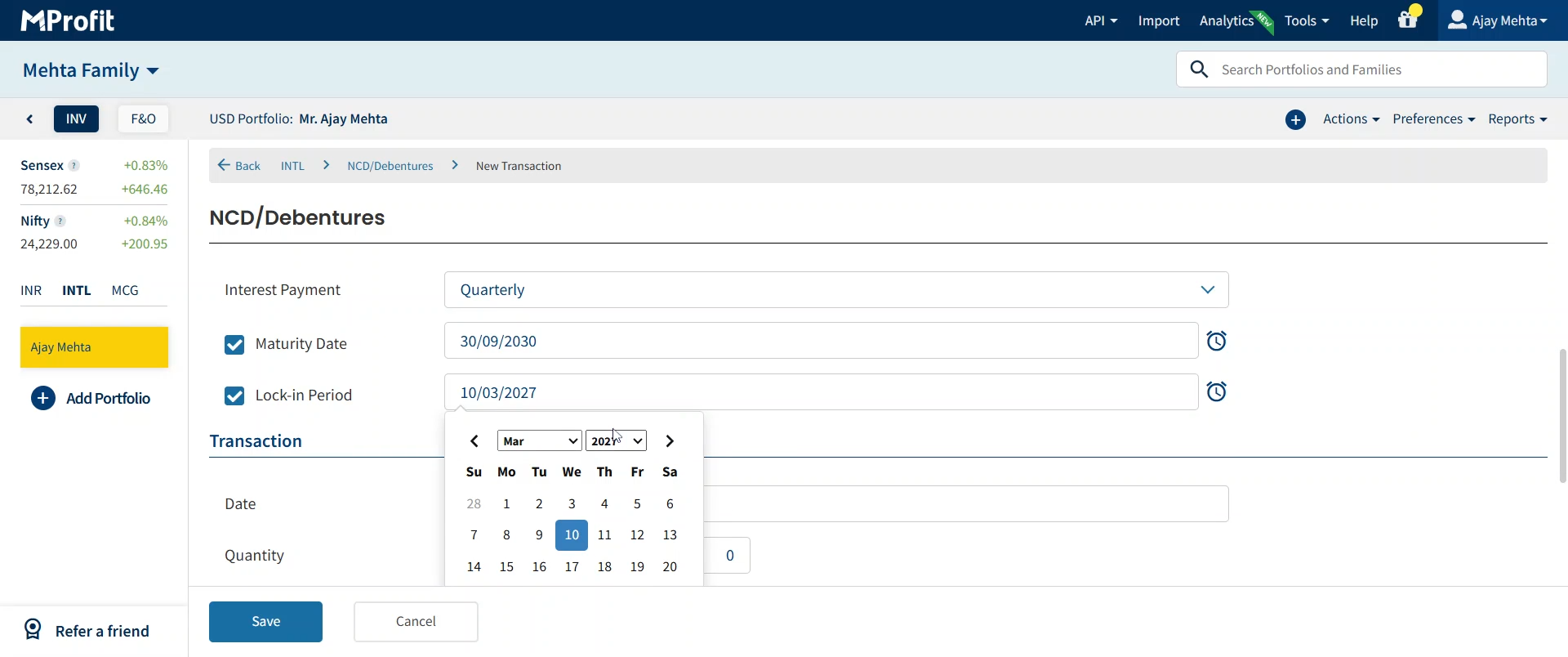
Step 18: Input the Transaction Date for your record.
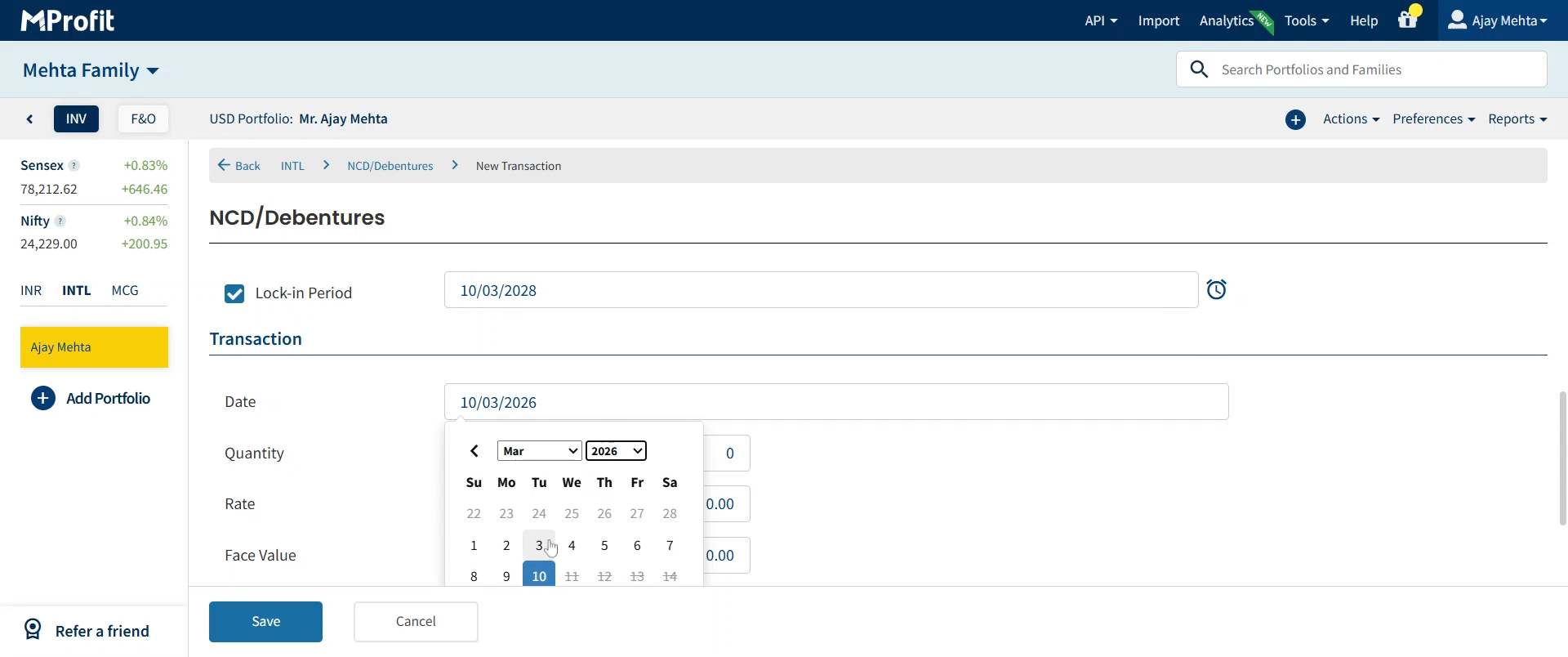
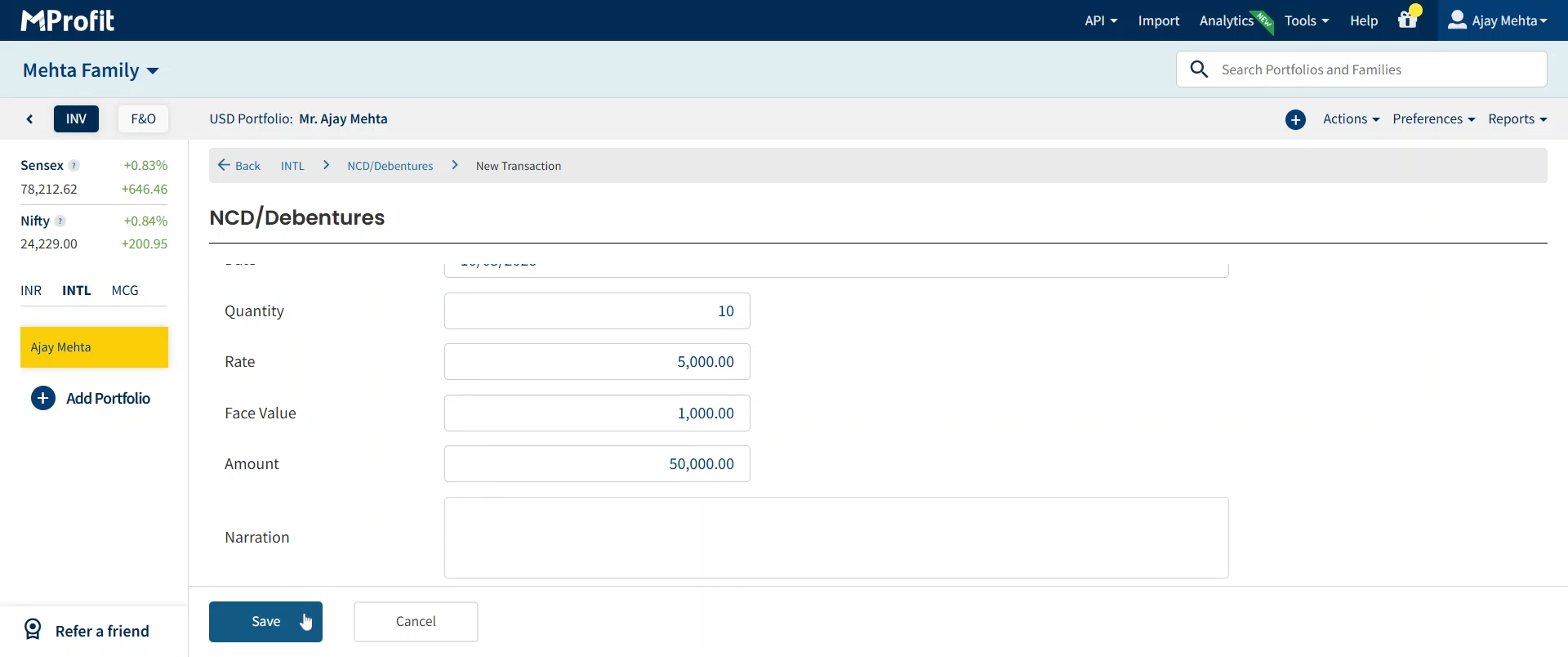
Step 19: Add the Quantity Purchased of the asset.
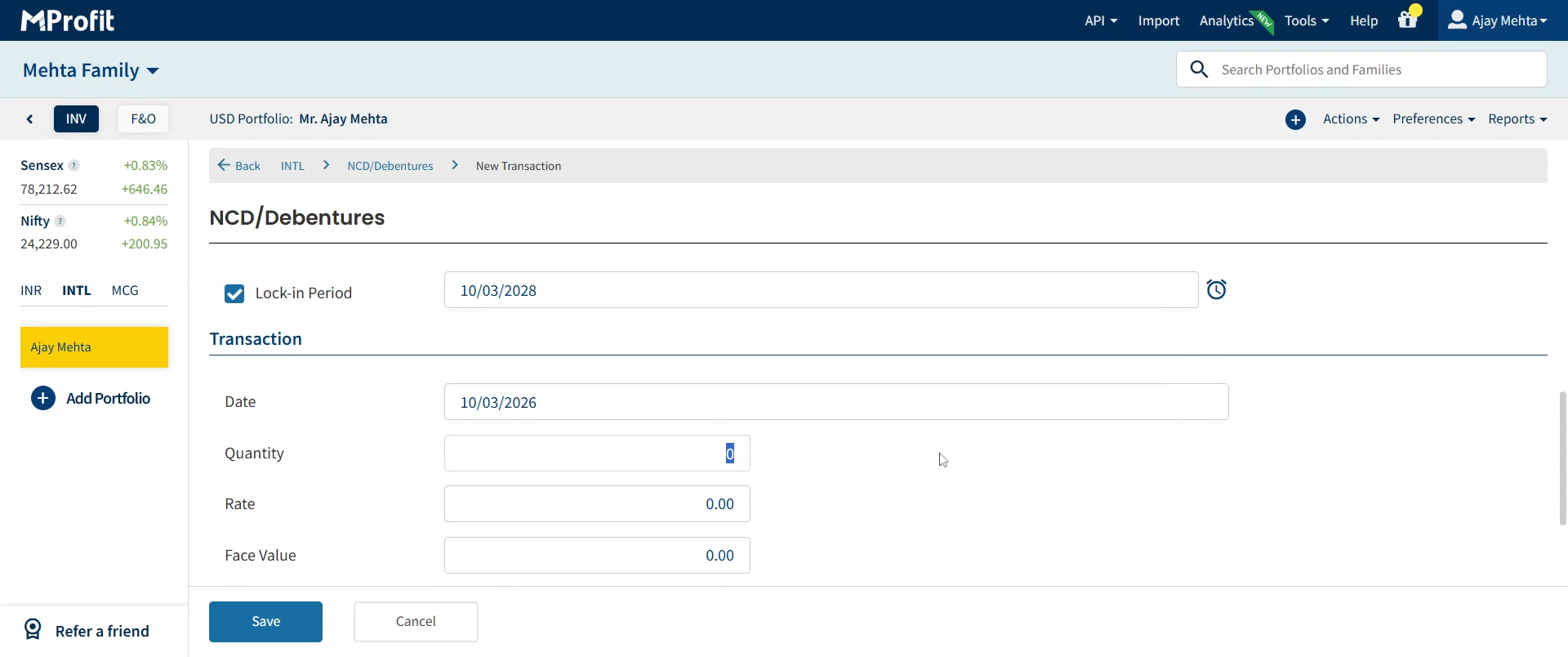
Step 20: Enter the Rate of Purchase for the transaction.
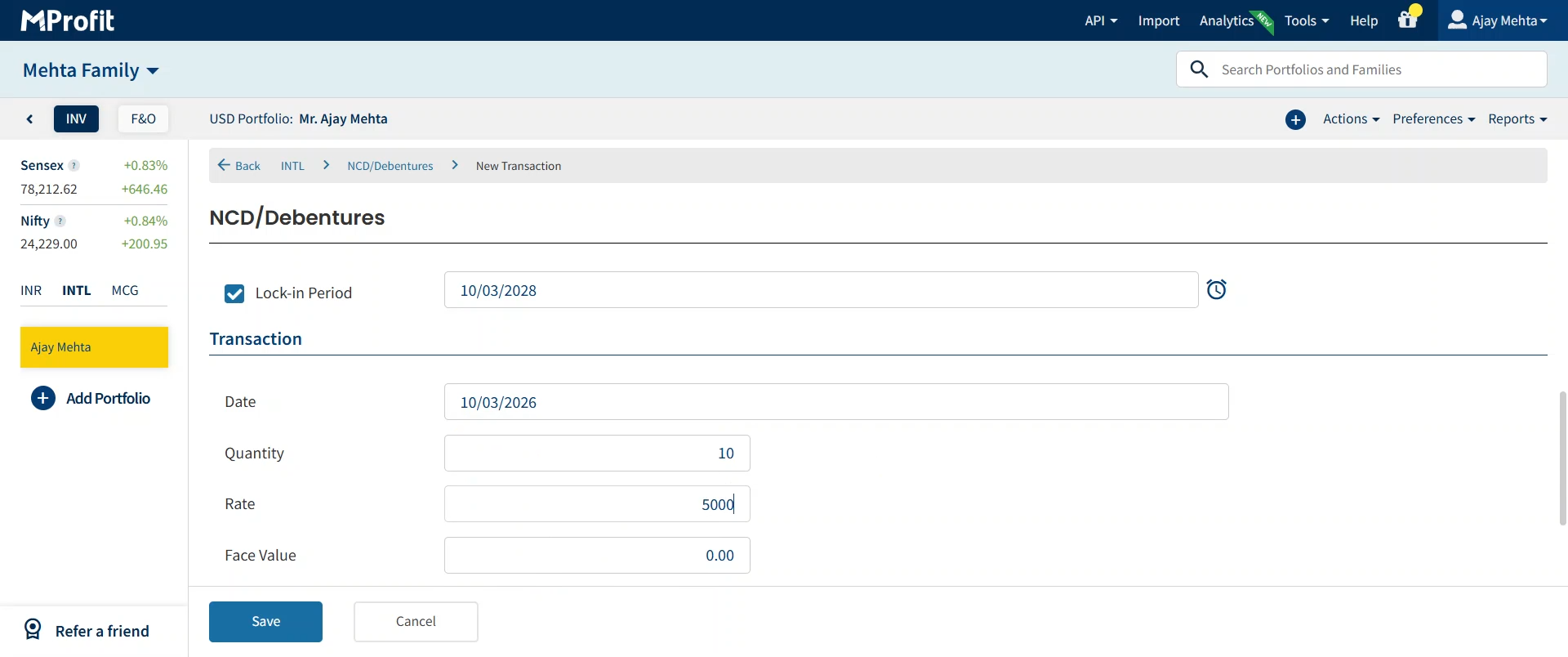
Step 21: The system calculates the Amount automatically. Fill the Face Value if required for your debenture.
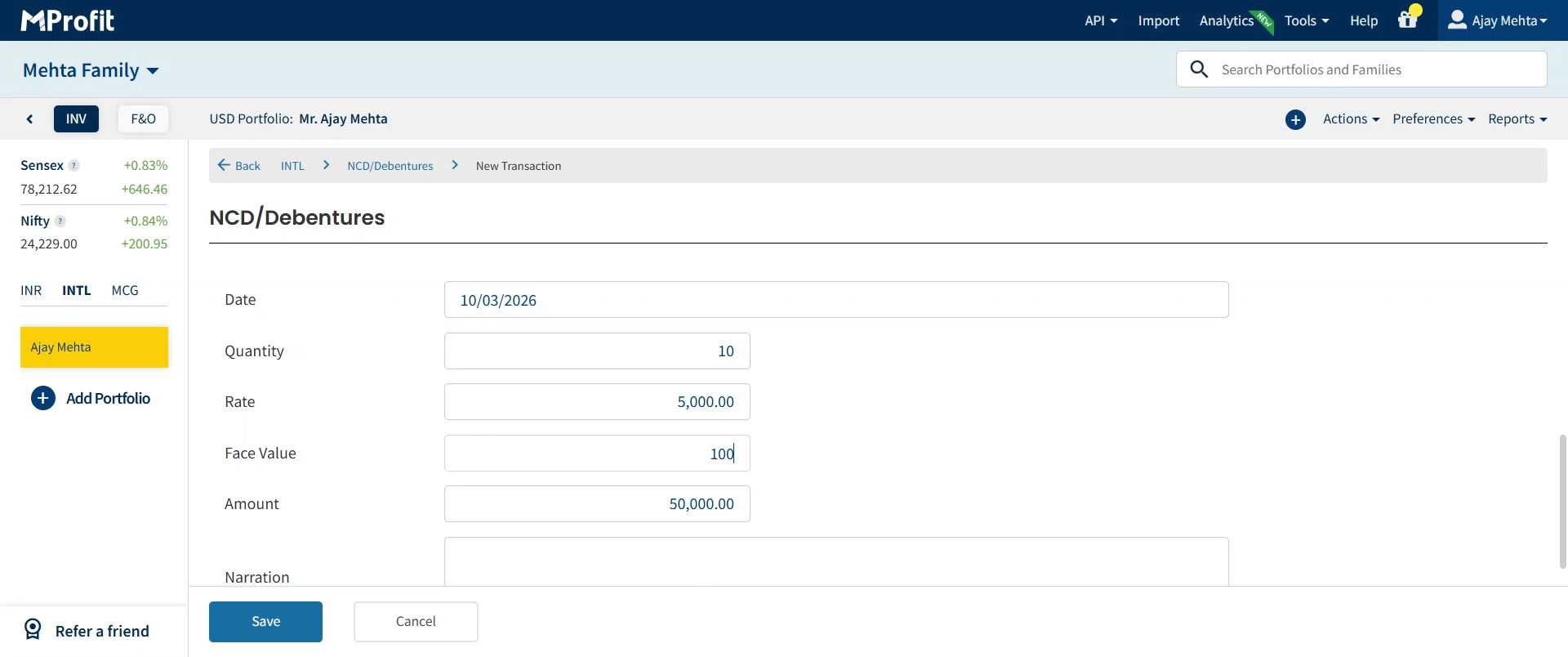
Step 22: Optionally, add a Narration - any notes or comments for future reference.
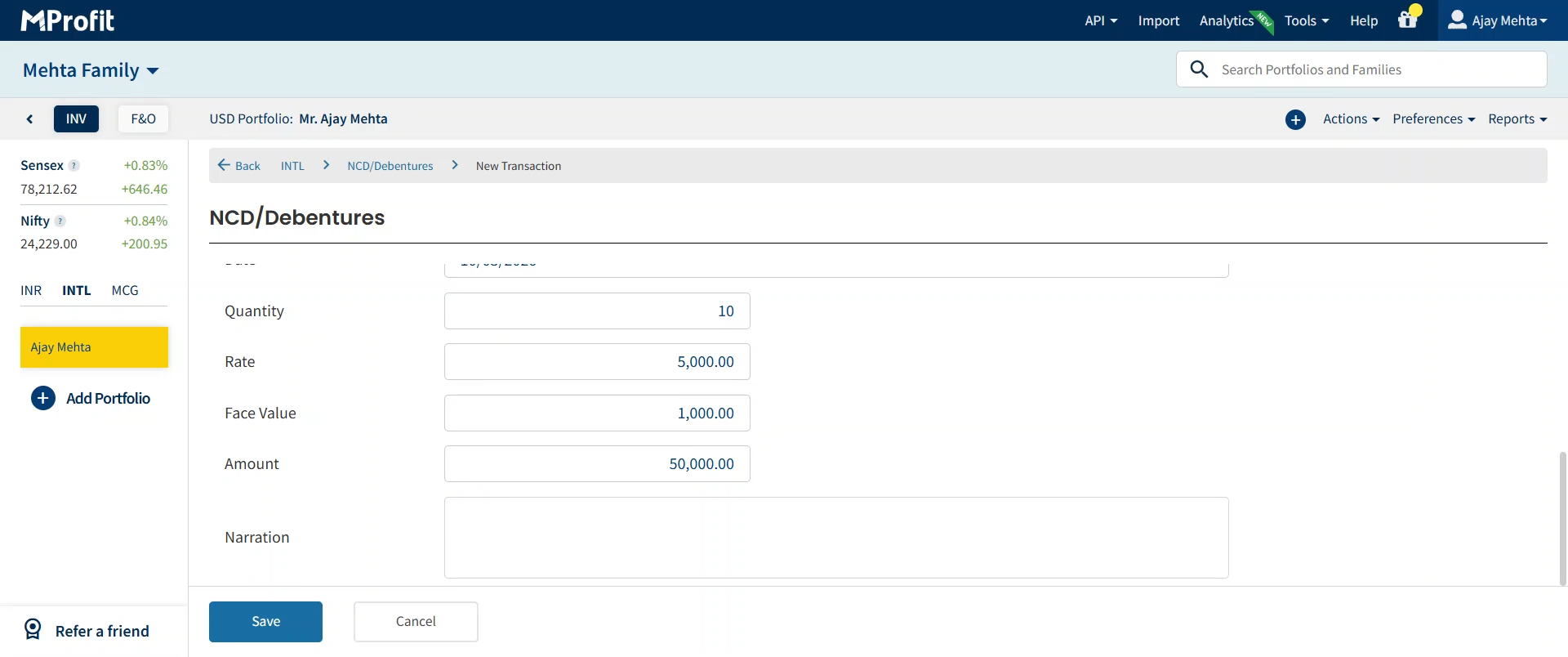
Step 23: After reviewing all details, click Save to record the transaction in the International segment.
You’ve successfully imported your international NCD / Debenture details into MProfit Cloud. Keeping these records organized ensures accurate portfolio tracking and easy retrieval. Double-check each entry for accuracy, especially unique asset names and payout details, to maintain a well-structured investment log.
Was this article helpful?
That’s Great!
Thank you for your feedback
Sorry! We couldn't be helpful
Thank you for your feedback
Feedback sent
We appreciate your effort and will try to fix the article